Select the  Print item.
On the popup settings panel when working with information panel in the view mode.
In the drop-down menu of the
 Actions button on the popup settings panel when working with information panel in the edit mode.
When working with information panels one can print:
NOTE. Print is available for all visualizers except for images and text.
To print the selected visualizer:
Select the Print item.
On the popup settings panel when working with information panel in the view mode.
In the drop-down menu of the Actions button on the popup settings panel when working with information panel in the edit mode.
Determine the settings in the preview window for the information panel visualizer:
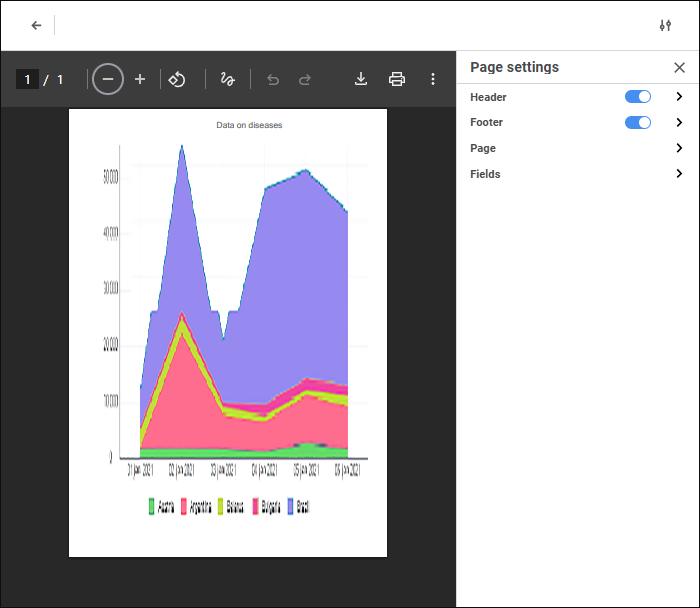
To print a slide:
Select the Print item in the main menu.
Determine the settings in the information panel preview window:
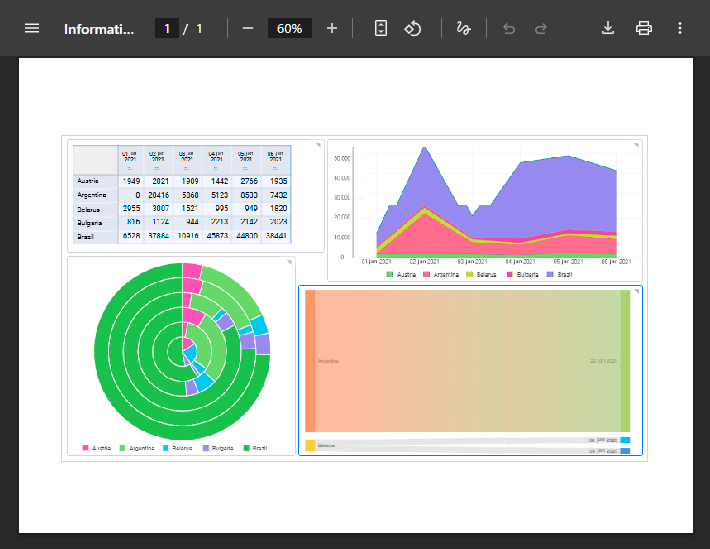
To set up print options of the selected visualizer, open the Page Settings parameters panel:
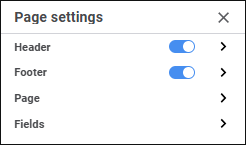
To set up print options, use the parameter groups:
Header/Footer. The groups are used to set up header and footer.
Page. It is used to set determine general page settings.
Fields. It is used to set up page margins.
See also:
Building Information Panel | Working with Ready Information Panel

 Open the Page Settings panel
 Page Settings button at the top right corner of the visualizer preview window.