
 Open the Fields group of parameters
To set up page fields, use the Fields group of parameters on the side panel.
Open the Fields group of parameters
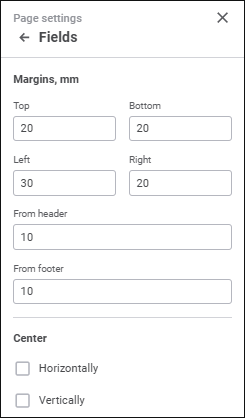
Set the parameters:
After executing the operations, page fields are set up for for print.
See also:
Working with Ready Information Panel | Printing Visualizers and Slides
 Page Settings button at the top right corner when the visualizer is opened in the preview mode. The Page Settings side panel opens.