Select the  Text visualizer in the drop-down menu of the
  Insert button on the toolbar and click the slide cell.
Click the slide cell and select the Text visualizer in the drop-down menu.
The Text visualizer is used to display text information.
To add a visualizer to the working area:
Select the Text visualizer in the drop-down menu of the Insert button on the toolbar and click the slide cell.
Click the slide cell and select the Text visualizer in the drop-down menu.
The following operations are available for the Text visualizer:
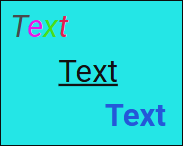
The example of displaying text:
To set up text, use the side panel.
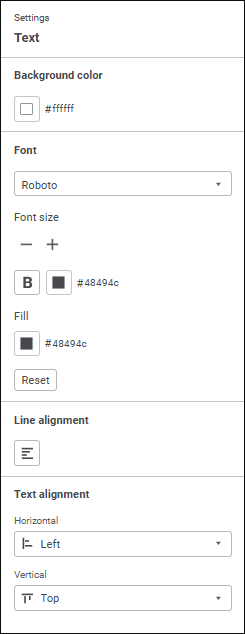
Available text settings:
See also:
Adding Visualizers and Working with Them | Setting Up Data Visualization

 Open the side panel
 Settings button on the
  and
and  buttons.
 . Bold.
 . Italic.
 . Left.
 . Center.
 . Right.