Selection Schemas
A selection schema is a repository object used in dictionaries to automatically select elements based on specified criteria. Selection schemas are created as dictionary child objects and are not displayed in the object navigator but can be used in all the objects that use the parent dictionary.
TIP. For details about applying of selection schemas, see the Using Selection Schema article.
Selection schemas are built from single selection types.
A selection type is a rule, based on which elements are selected. All selection types are applied in the order of their creation.
Selection schemas can be managed:
To manage selection schema, follow the steps:
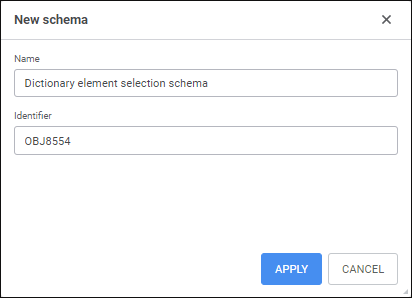
Add a new selection schema.
Add a selection type.
Set up selection type if required.
Change order of selection types location if required. It is available only in the desktop application.
Preview result.
Save selection schema. It is available only in the desktop application.
Delete selection type if required.
Delete selection schema if required.

 Add a new selection schema
Edit selection schema
Add a selection type
Set up selection type in the web application
Set up selection type in the desktop application
Use application macro
Reorder selection types
View result of applying all selection schema types
Save selection schema
Delete selection type
Delete selection schema
See also:
Creating Dictionaries
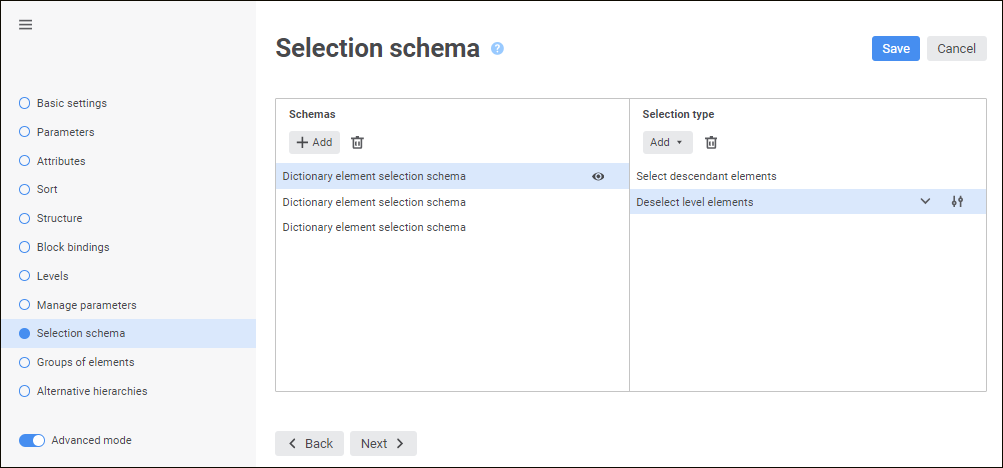
 dimension menu on the side panel.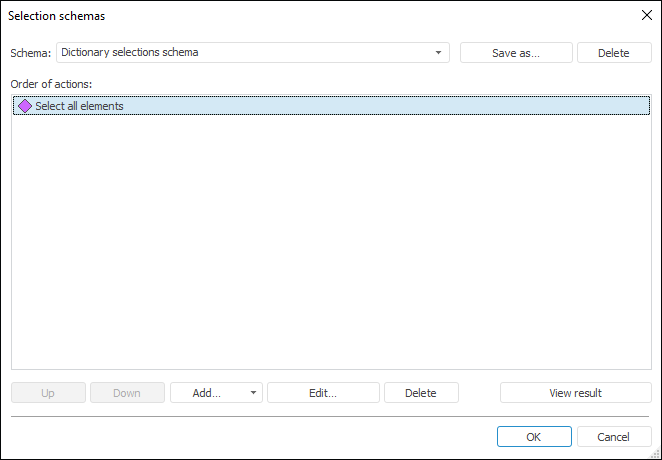
 Actions button and select the action in the drop-down list:
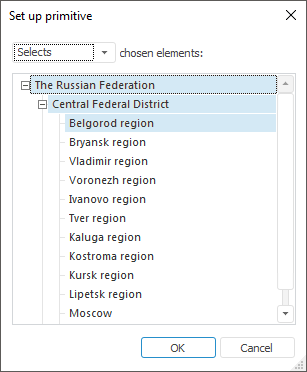
 Edit button if it is available. The selection type editing dialog box opens: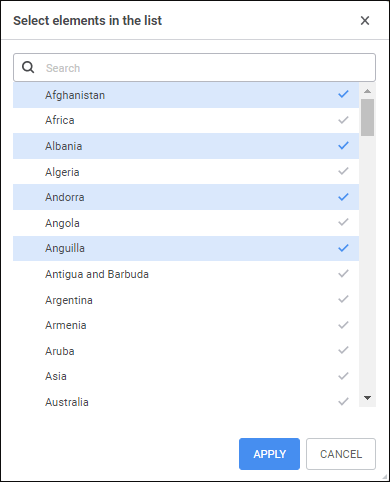
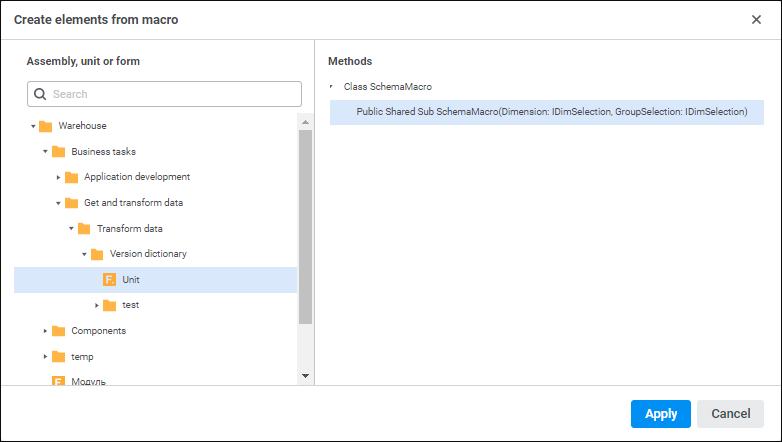
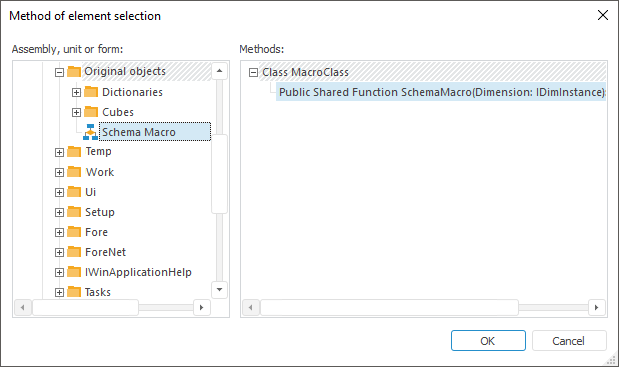
 View button. The <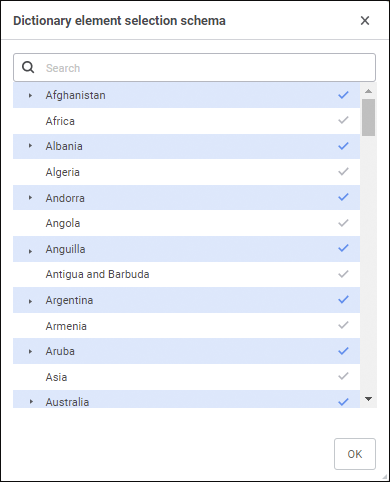
 Delete button in the Selection Type area.