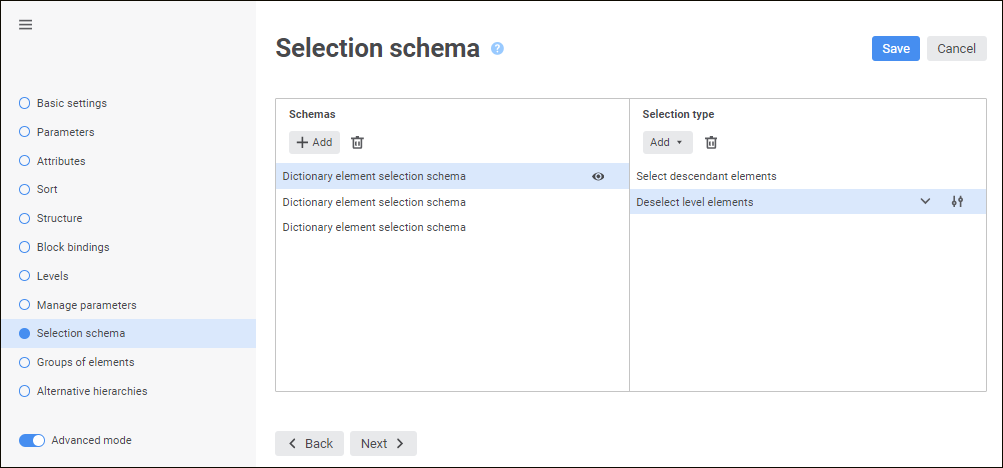
A selection schema is a repository object used in dictionaries to automatically select elements based on specified criteria. Selection schemas are created as dictionary child objects and are not displayed in the object navigator but can be used in all the objects that use the parent dictionary.
TIP. For details about applying of selection schemas, see the Using Selection Schema article.
Selection schemas are built from single selection types.
A selection type is a rule, based on which elements are selected. All selection types are applied in the order of their creation.
Selection schemas can be managed on the Selection Schemas page of the dictionary creation wizard.
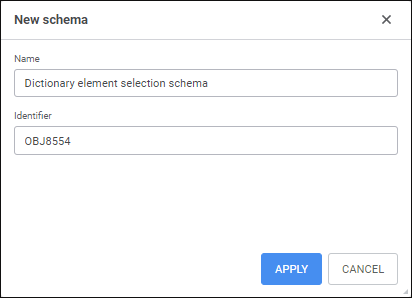
To manage selection schema, follow the steps:
Set up selection type if required.
Delete selection type if required.
Delete selection schema if required.
NOTE. MDM dictionaries and composite MDM dictionaries always work with the principal elements of the dictionary. The user cannot create a selection schema based on elements of default alternative hierarchies.
 View result of applying all selection schema types
See also:

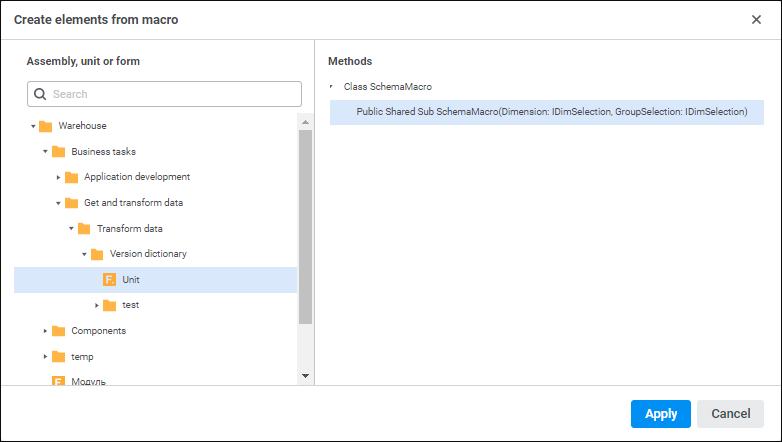
 Actions button and select the action in the drop-down list:
 Edit button if it is available. The selection type editing dialog box opens: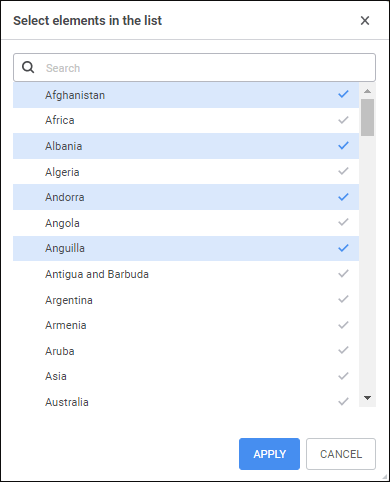
 View button. The <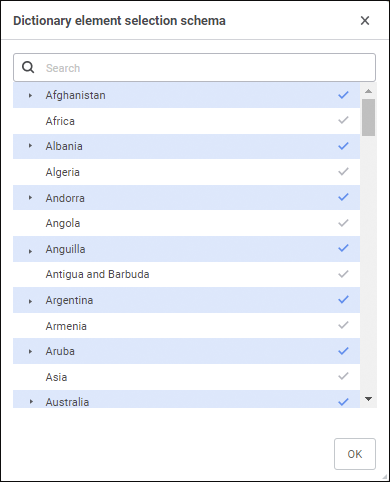
 Delete button in the Selection Type area. After executing the operations the selection type is deleted from the schema.