Select or deselect element
Dimension element selection is available to select data and to build visualizers and slides.
To change dimension selection, use:
Various selection options.
Selection can be changed using:
The Dimension Filter panel.
Visualizer controls.
When dimension selection changes, all dependent dimension are automatically rebuilt, and then the dimensions that depend on the rebuilt one are rebuilt, and so on.
Changing selection of the dimension, for which synchronization is set up, results in setting identical selection for all the other group dimensions.
The following operations are available when working with element selection options:
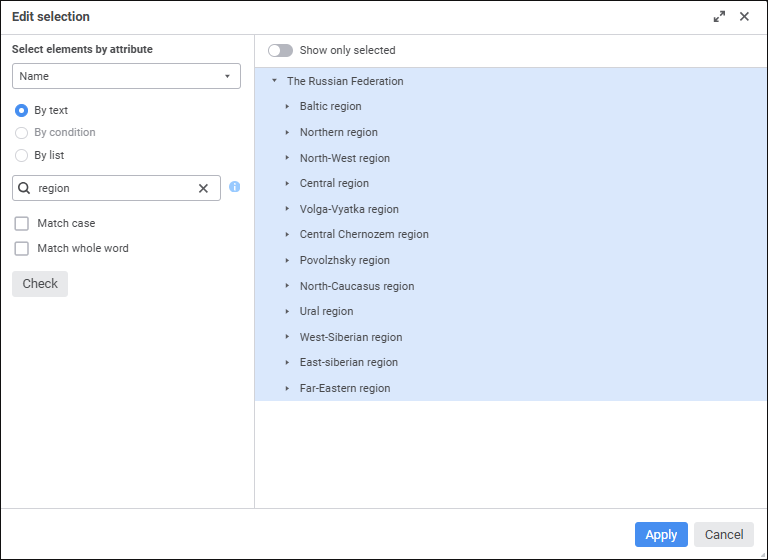
One can use the following commands for the dimensions without hierarchy: Select All, Deselect All, and Edit Selection.
Selection schema is a repository object used in dictionaries to automatically select elements in accordance with predefined rules.
Selection schema is applied automatically unless it is disabled.
Group of elements is a repository object used in dictionaries to limit the list of available elements.
See also: