
 To open the dialog box
To explain data in table cells, one can link attachments as files or URLs. To link attachments, use the Attachments List dialog box:
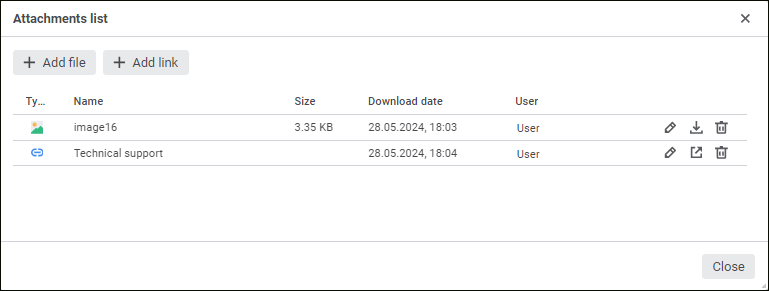
The dialog box displays all attachments linked to this cell. Any number of attachments can be linked.
Details about each attachment are displayed in the dialog box:
Type. File format or URL.
Name. Name of the linked file or specified URL name.
Size. File size in bytes, kilobytes, or megabytes.
Download Date. Date of attachment linking or updating.
User. Displayed name of the user who created a comment. If the displayed name is not set, the Name parameter is used.
To close the dialog box, click the Close button.
Operations with attachments:
Operations with attachments do not affect the activity of the  Save Data button.
After the attachment is added, the cell will display the  icon. The icon becomes active on mouseover.
See also:
 Attachments List button on the Data toolbar tab.
 Add File button. A standard file selection dialog box opens.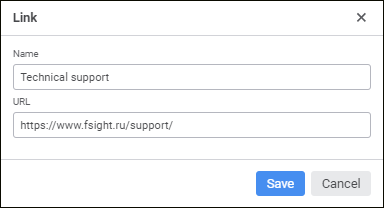
 Open button.
 Edit button. The standard file selection dialog box opens or the Link dialog box opens.
 Download button. The file will be saved to the browser downloads folder.
 Delete button.