
 Open the Filtering group of parameters
To display data corresponding the specified table area conditions, use the Filtering group of parameters on the side panel:
Open the Filtering group of parameters
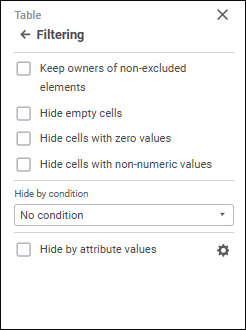
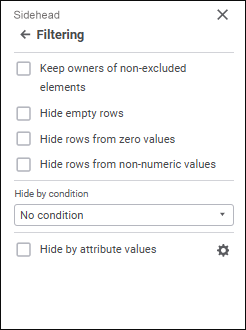
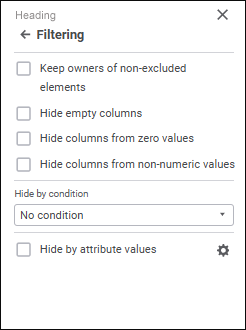
Set the parameters:
Keep owners of non-excluded elements
Hide cells/rows/columns with zero values
Hide cells/rows/columns with non-numeric values
Set up filtering for shared dimensions
See also:
Setting Up Data Entry Form Formatting and Display Type
 Parameters button on the toolbar. The side panel opens.
 Set Up Filtering button. The Filter by Attribute Values dialog box opens: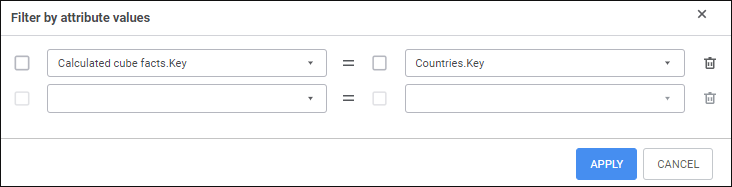
 Delete button next to the link.