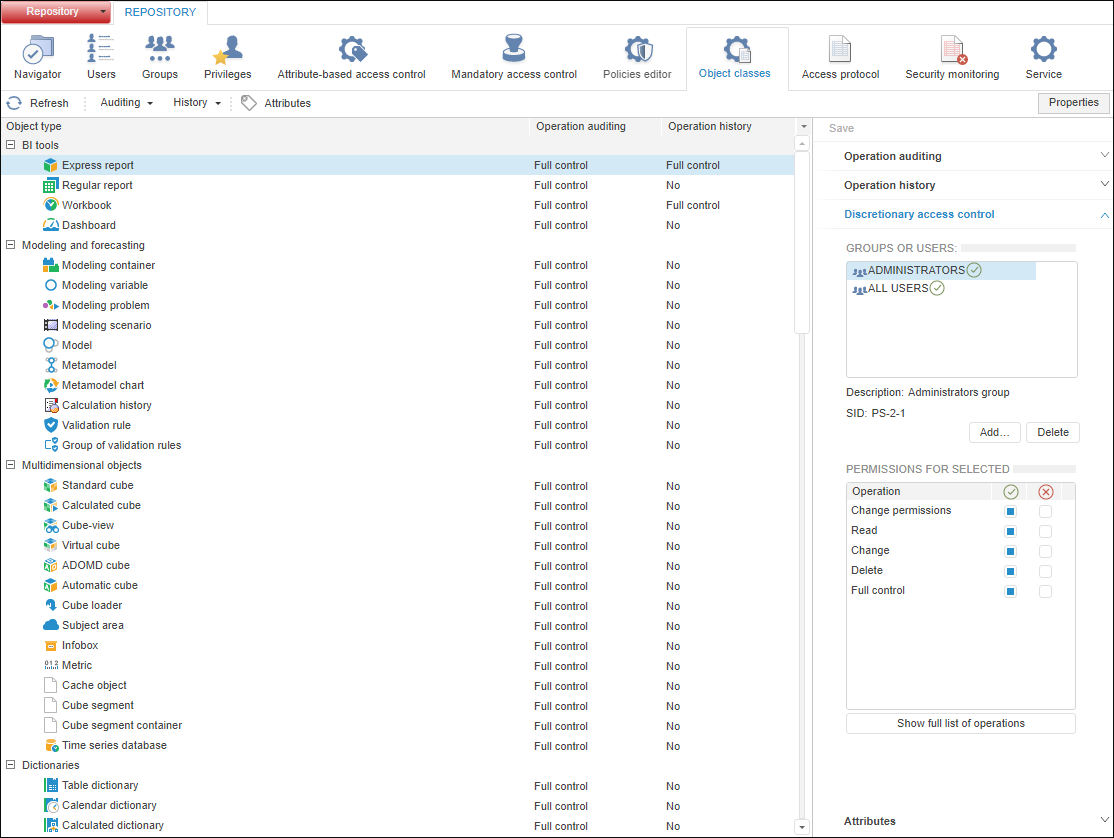
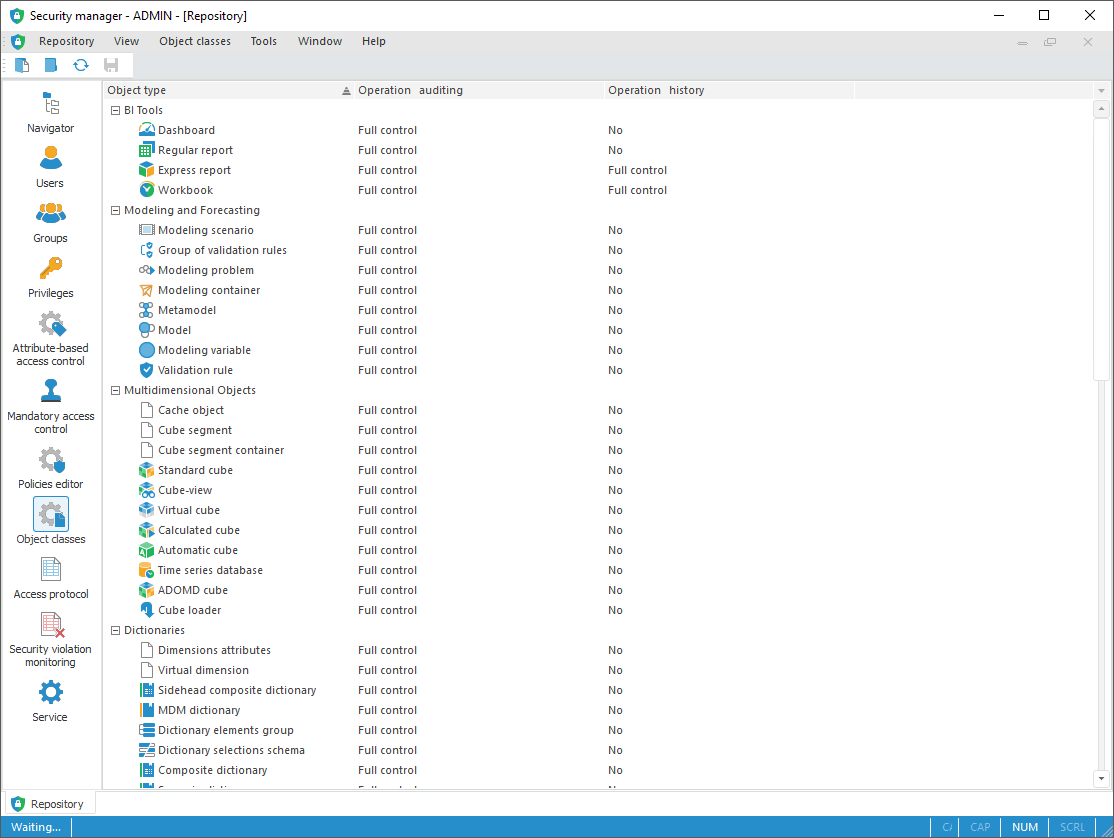
To set up user action auditing, use the Object Classes section on the navigation panel.
NOTE. When roles of information security administrator and application administrator are separated, the Object Classes section is available only for information security administrator.
The Object Classes Section:
The security manager can automatically audit operations executed by system subjects and record information about the executed operations to the access protocol. The logged operations are divided into general that can be executed with all object types, and specific that can be executed only with specific object type. Operation history can be maintained for each object type: object changes, permission changes, object deletion. If full history is maintained, object changes by all operations are saved to history.
 Change object access permissions
NOTE. Modifying permissions, turning off auditing and history is available for several selected objects.
Object types are displayed as a list:
Flat view. Object types are displayed as a table.
NOTE. Flat view is available only in the desktop application.
Hierarchical view. Object types are displayed as a tree, which node is an object class. The hierarchy of object types can be expanded and collapsed by means of the Expand Entire Hierarchy or Collapse Entire Hierarchy context menu items.
By default, objects are displayed as a tree. When the flat view is enabled, object types are not grouped by classes.
To change the list view, select the View > Flat View/Hierarchical View main menu item in the desktop application.
To apply the specified object type settings:
In the web application click the  Save button on the toolbar or on the side panel.
NOTE. If section parameters have been changed, an attempt to go to another section of the security manager or to close it displays a request to apply changed settings.
Set attributes for object classes when using the attribute-based access control method:
For object classes. Attributes are set for all object types in the Attributes dialog box.
For a particular object type. Attributes are set for one object type on the Attributes tab when determining access control settings.
For a particular object. Attribute value is set for one object if the corresponding object type contains attributes.
NOTE. In the desktop application one can edit specific object attributes in object properties on the Attributes tab in the object navigator. In the web application one can only view specific object attributes on the Properties side panel in the security manager.
See also:
Setting Up System Security Policy | Object Classes | Selecting Operations of Audit and History | Creating Custom Attributes
