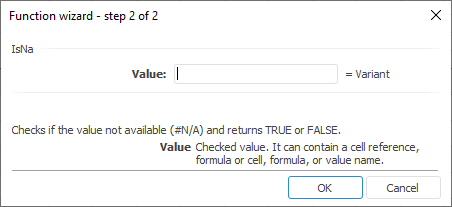
The function wizard for the IsNa function:
IsNA(Value)
Value. Checked value.
It checks if the value is #N/A.
It returns TRUE if the value is #N/A, otherwise it returns FALSE.
Numbers, empty cells, logical values, text, cell references, and formulas can be used as a parameter value.
| Formula | Result | Description |
| =IsNA(C2:E9) | FALSE | The C2:E9 cell range does not contain N/A values. |
See also:
Function Wizard │ Logical Functions