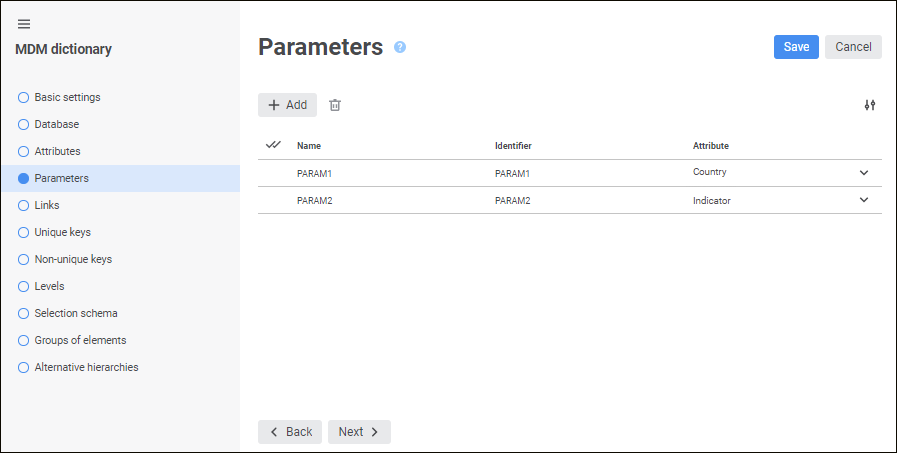
One can use the Parameters page to dynamically change dictionary contents. Dictionaries with specified parameters are named parametric ones.
NOTE. To create the Actuality Date parameter, select the Elements can Change in Time checkbox on the Basic Settings page.
After parameters are added, each time a dictionary opens for view, the Determine Parameter Values dialog box opens, in which one can set values of created parameters. The created parameters will also be displayed as edit boxes in the working area of the dictionary opened for view.
 Change the number of displayed properties
See also:

 Add button. The new parameter will be added to the list of parameters. Parameter name and identifier will be set by default: PARAM
 Delete button. A confirmation to execute the operation is requested.
 Settings button and select or deselect the checkbox next to property names.