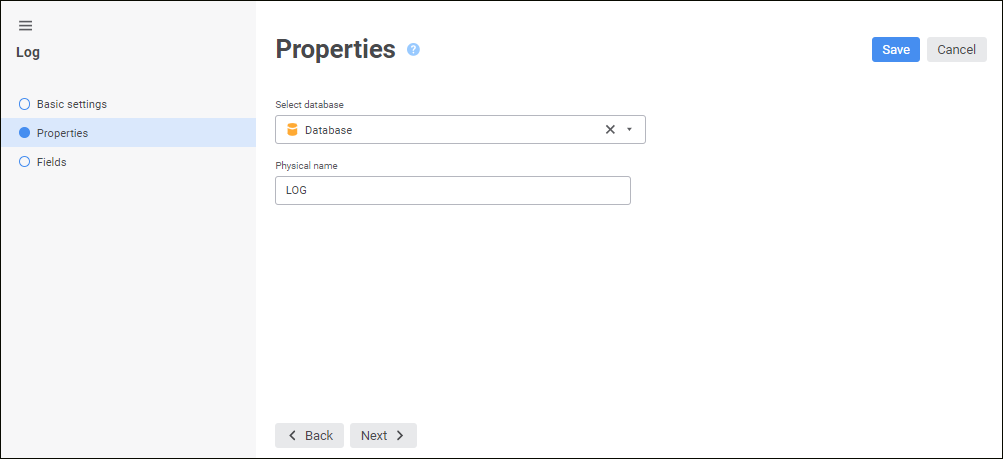
Use the Properties page to determine the database, to which the log will be placed, and physical name of the log table:
Determine the parameters:
Select Database. In the drop-down list select a database, to which query will be placed.
To quickly select an object, enter object's name/identifier/key in the search box depending on display settings. Search is executed automatically while the searched text is entered into the search string. The list will display the objects, which names/identifiers/keys contain the entered text.
To set up displaying of repository objects, click the  Show Object button and select display option in the drop-down menu:
Name. Objects are displayed with their names. Default option.
Identifier. Objects are displayed with their identifiers.
Key. Objects are displayed with their keys.
Several options can be selected. Identifier and key will be specified in brackets.
To reset selection for selected objects, click the  Clear button.
Physical Name. By default, log identifier is used as the physical name of the log.
Number of Displayed Records during View. Set the number of records in the edit box.
Click the Next button to go to the next wizard page.
See also: