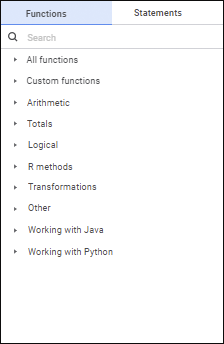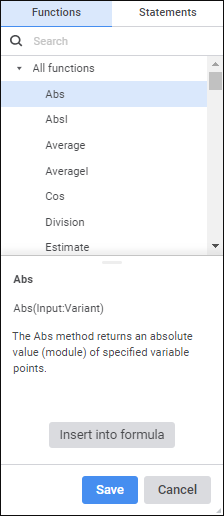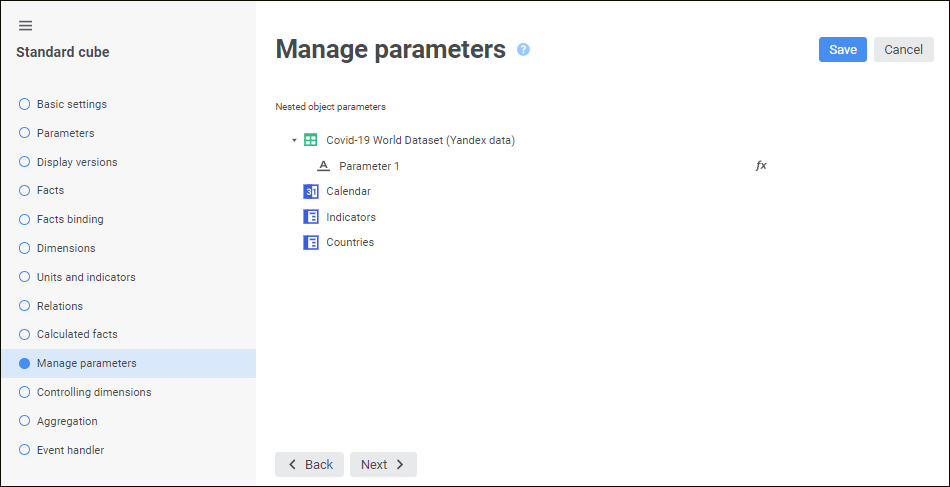
Opening a cube also opens all objects used by this cube. If the objects have parameters, parameter values should be passed to open objects. Object parameters can be set up on the Manage Parameters page:
This page displays the list of all objects used by the cube. The following options are available:
If the object does not have parameters, only its name is displayed.
If the object has parameters, the list of parameters of this object is displayed.
To set parameter values, click the  Expression Editor button next to the parameter. The expression editor window opens.
Formulas can be set up in the expression editor. The expression editor differs depending on the configured tool or object.
The expression editor window for setting up nested object parameters of standard cube looks as follows:
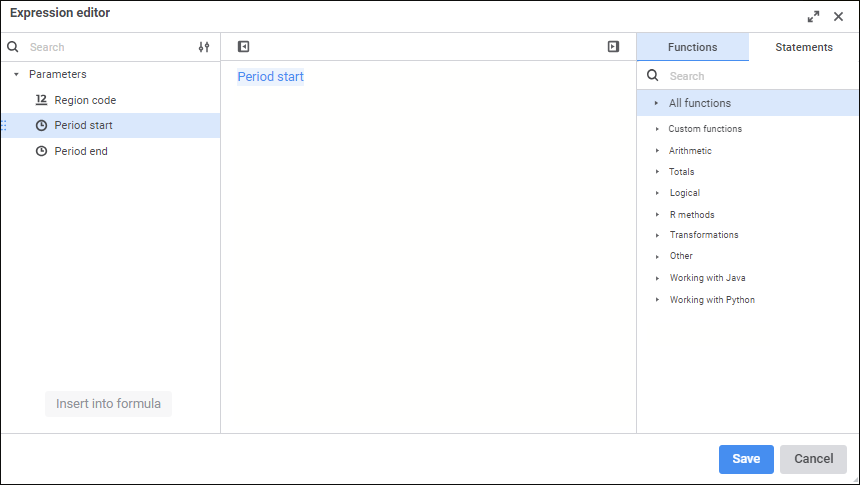
Create a formula, by which nested object parameter value will be calculated.
Operands, arithmetic operations, functions, numbers, comparison characters and round brackets can be used in a formula. There are some features of use:
All element types, except for numbers, can be inserted both using the keyboard or special panels.
Numbers are inserted only using the keyboard.
See also:

 Insert operands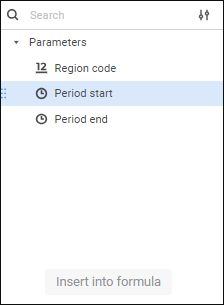
 Display Settings button:
 Hide Operands Panel button. To show the panel, click the
  Show Operands Panel button.