
 Create an equation
An equation is used to calculate output variables by transforming the input variables using statistical and mathematical methods. Calculations are executed taking into account calendar frequency of the model (years, half-years, quarters, months and days).
In the web application, an equation is a set of linked variables. Each variable may have multiple links. To work with the equation, select it or one of its links in the working area and use ribbon commands and side panel tabs.
View equation calculation results
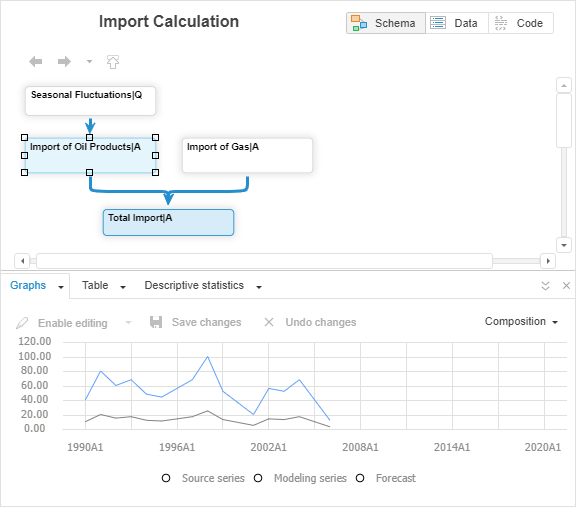
The example of the working area containing equations:
See also:
 button next to the Model main menu.
 Delete button on the Home ribbon tab.