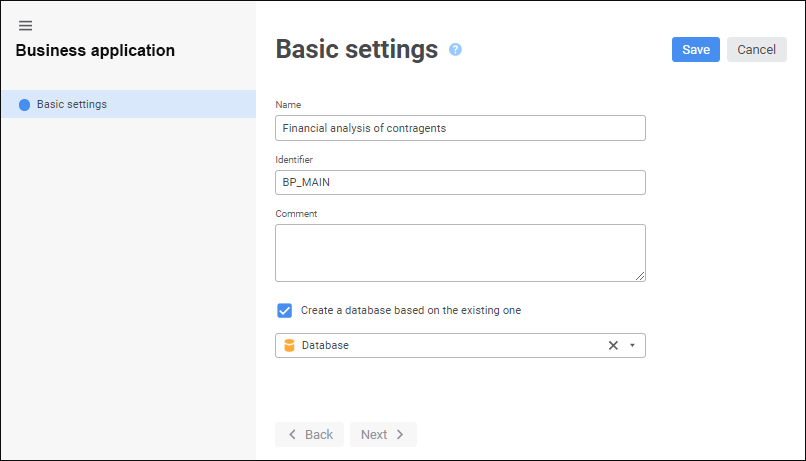
A business application can be created in the business application creation wizard. To open the wizard, create a new or open a ready business application for edit:
NOTE. When creating a business application, one can use only the Basic Settings wizard page. When the business application is opened for edit, all wizard pages are available: Basic Settings, Layout and Formatting, Navigation Structure, Advanced Settings.
To create a business application:
One can enhance business application capabilities by means of the events that can be used in custom functions. For details see the Connecting Custom JS-Function section.
See also:
Getting Started with the Designer of Business Applications Extension | Setting Basic Properties | Creating an Internal Structure | Setting Up Layout and Formatting | Setting Up Navigation Structure | Selecting Start Object and Event Handler