In the web application:
In the update manager use the update manager wizard. To open the update manager wizard, click the
 Settings button in the main menu.
In the update wizard use the update options panel.
In the desktop application use the Update Options tab. The configured update options are saved for the current user and are applied automatically when a new update is created.
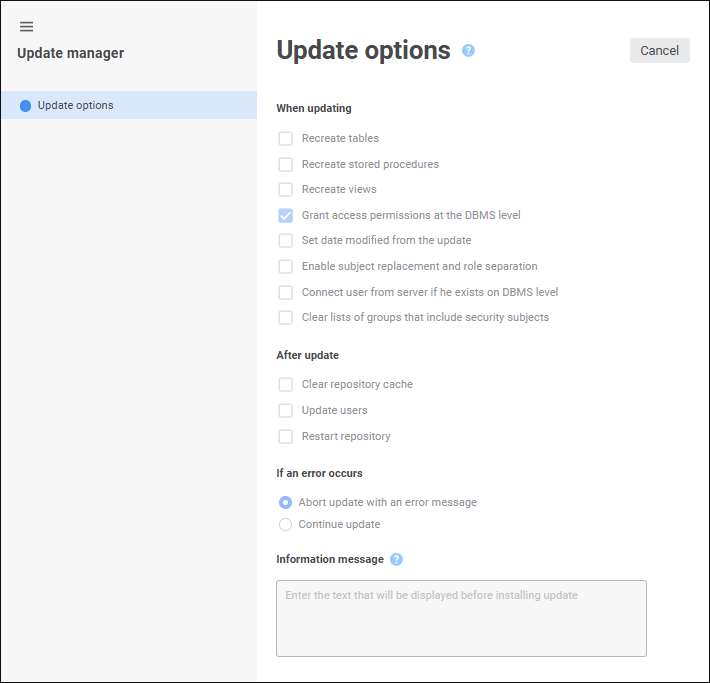
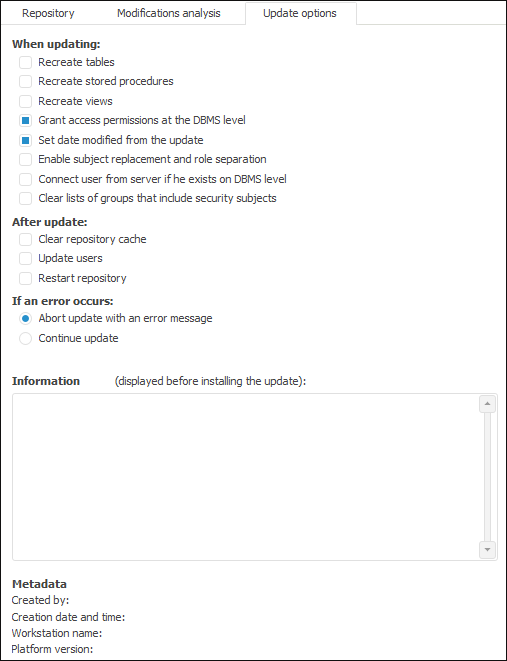

 When updating