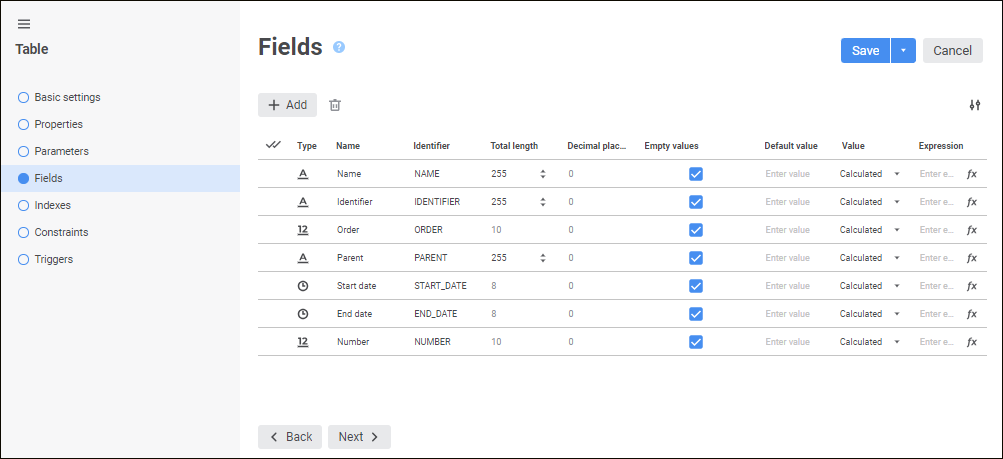
On the Fields page determine the structure of the table being created, that is, specify the list of table fields and their properties:
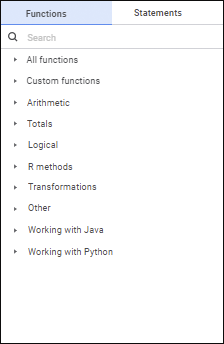
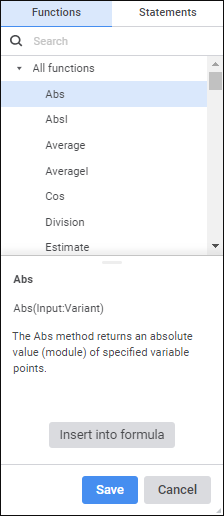
Formulas can be set up in the expression editor. The expression editor differs depending on the configured tool or object.
The expression editor window for setting up calculated fields of external table looks as follows:
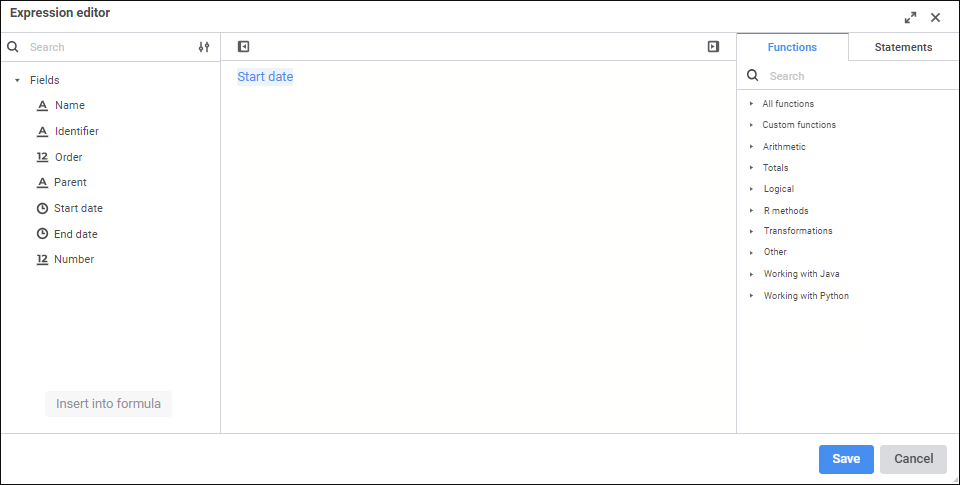
Create a formula, by which a calculated field will be calculated.
Operands, arithmetic operations, functions, numbers, comparison characters and round brackets can be used in a formula. There are some features of use:
All element types, except for numbers, can be inserted both using the keyboard or special panels.
Numbers are inserted only using the keyboard.
See also:

 Add fields
 Add button. A string is added to the end of the list, in which specify field properties:
 Insert into Formula button. The
  Settings button.
 Delete button.
 Hide Operands Panel button. To show the panel, click the
  Show Operands Panel button.