Select the  Add Comment item in the cell's context menu.
Press SHIFT+F2.
Comments added for report sheet cells can be multiline. The cell with a comment is marked with a red triangle at the top right corner. To view a comment, hover the cursor over the cell.
To add a comment for the selected cell, execute one of the operations:
Select the Add Comment item in the cell's context menu.
Press SHIFT+F2.
The Comment dialog box opens:
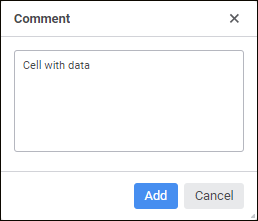
The following operations are available when working with comments:
See also:
Working with Data on Report Sheet

 Edit comment
 Clear button on the Data