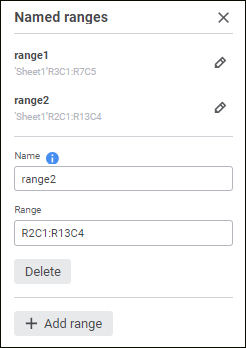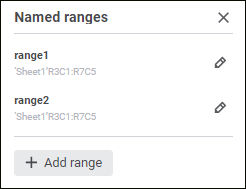
Named ranges are used to quickly find the required cell range and on formula creation.
To create a named range:
Select the Data > Named Ranges main menu item.
Select the Set Up Named Ranges item in the drop-down list of the address bar.
The Named Ranges panel opens:
The following operations are available when working with named ranges:
When working with a report, the list of named ranges is displayed in the drop-down list of the address bar:
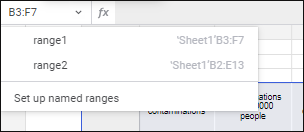
When one of the range names is selected in the list, this range is highlighted on a report sheet.
See also:
Working with Report Sheet Data

 Add a named range
 Add Range button on the Named Ranges panel. The dialog box with new named range settings opens: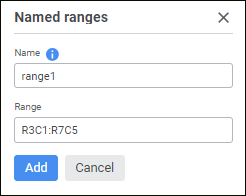
 Edit Range button on the Named Ranges panel. The dialog box with settings of the selected named range opens: