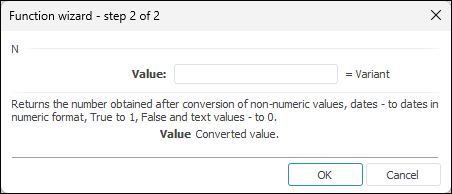
The function wizard for the N function looks as follows:
N(Value)
Value. The value that must be converted into a number.
NOTE. To determine the parameter, specify either the number or the address of the cell where it is located.
It returns the number obtained by conversion of non-numeric values: dates - into numeric format, logical True - into one, logical False and text values - into zero.
| Formula | Result | Description |
| = N(A4) | 0 | It returns zero. The A4 cell contains text. |
| = N(A1) | 45764 | It returns the number corresponding to the date 17.04.2025 located in the A1 cell. |
| = N(A0) | 1 | It returns one. The A0 cell contains the function or editor that return True. |
| = N(5) | 5 | It returns the number. |
See also:
Function Wizard │ Mathematical Functions