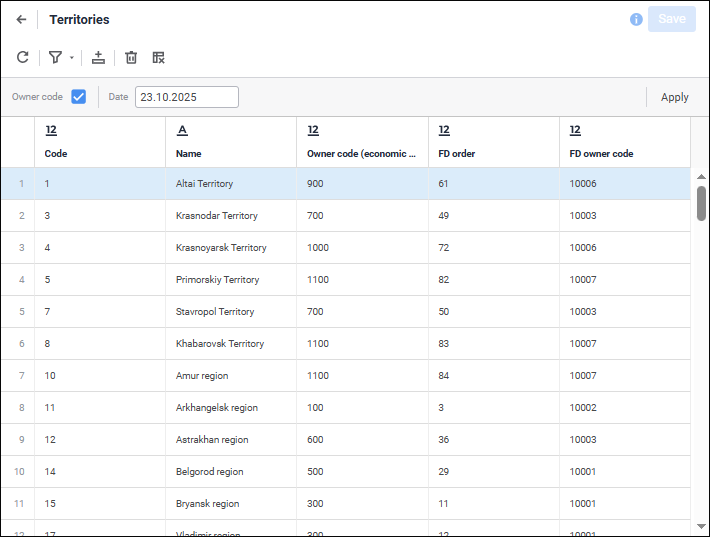
To dynamically change contents of table data sets, use the parameters panel.
The list of parameters is set on the Parameters page of the object creation and editing wizard:
To set parameter:
Enter parameter values in the edit box on the parameters panel.
The appearance of the parameter value edit boxes depends on the set parameter type. If default value was set for the parameter, it will be displayed in the corresponding box.
Click the Apply button.
The specified parameter value is not saved after the object is closed.
See also: