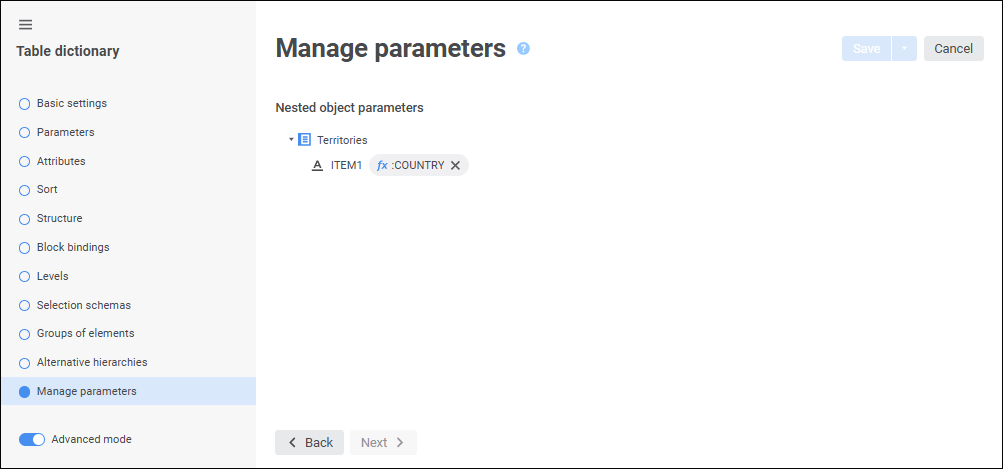
The Manage Parameters page is used to set up transferring of values to parameters of nested objects linked with the dictionary.
The page displays a list of nested objects linked to dictionaries, including the dictionaries used in alternative hierarchies. The following options are available:
If an object does not have parameters, only its name is displayed.
If the object has parameters, the list of parameters of this object is displayed.
To set parameter values, click the  Expression Editor button. The expression editor window opens. One can set an object parameter to a specific value or use dictionary parameters in the expression. In this case the values to be sent directly depend on the values specified on dictionary opening.
See also: