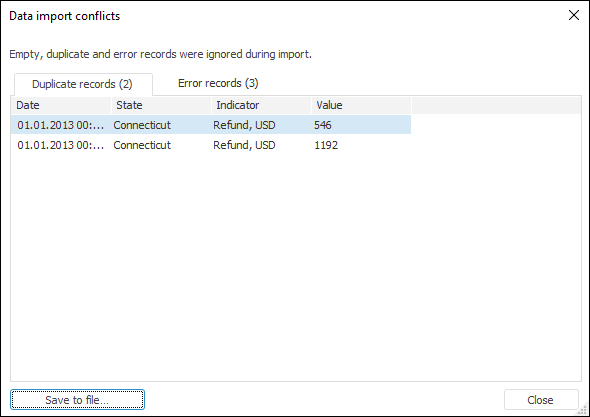
If some errors occurred on import or not all data was imported, the following dialog box opens:
The dialog box displays elements and records that were not imported to data consumer.
Clicking the Save to File button opens the dialog box to save skipped records to CSV format.
There are records, for which only fields with values are set. Such records are included in the list of empty and duplicate records.
The fields of two or more imported records contain values that identify the same data point in a unique way.
The fields contain the values, which type does not correspond with the type, which was defined for fields.
On importing data to the current data source, binding by all mandatory attributes is not set for elements or there are no access permissions. Elements are not added to the dictionary.
See also:
Data Import without Preparation