If the cube contains parametric dimensions, one can set up control over parameters of these dimensions via the cube dimensions. In this case values of specific attributes should be passed as parameter values.
TIP. If a cube is used as an indicator in a data entry form, it has parametric dimensions and it is required to control these dimensions using other cube dimensions, use this setting for the cube.
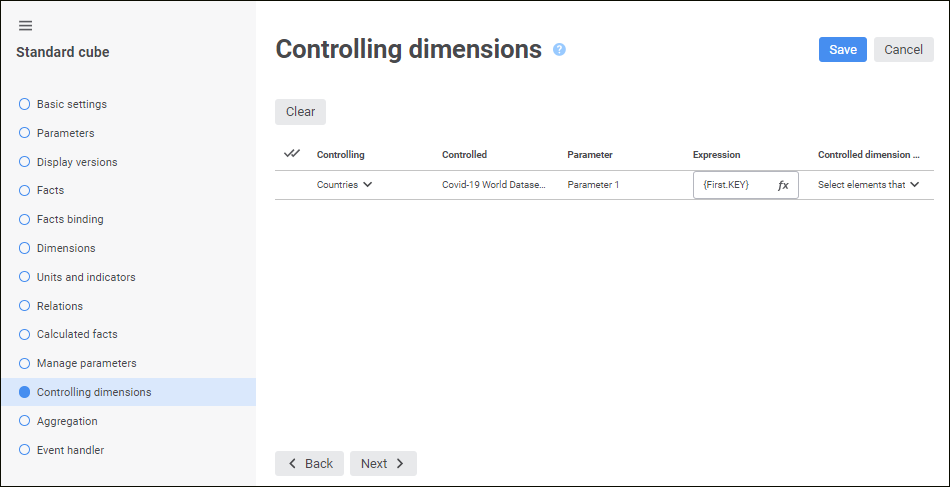
All parametric dimensions are displayed on the Controlling Dimensions page:
To set up a controlling dimension, set the required parameters in corresponding columns on the Controlling Dimensions page:
Determine the parameters:
Controlling. In the drop-down list select the dictionary, which attribute values will be sent as a parameter value.
Expression. Set the expression that will be used to calculate parameter value. To do this, open the expression editor by clicking the  Expression Editor button.
Selection in Controlled Dimension. Select the selection control strategy:
Select all elements in the controlled dimension.
Reset selection in the controlled dimension.
Select the elements, which are selected before control.
Select the first element.
Select the last element.
Clicking the  Clear button clears controlling dimension and expression for the selected controlled dimension.
Formulas can be set up in the expression editor. The expression editor differs depending on the configured tool or object.
The expression editor window for setting up a controlling dimension parameter of a standard cube looks as follows:
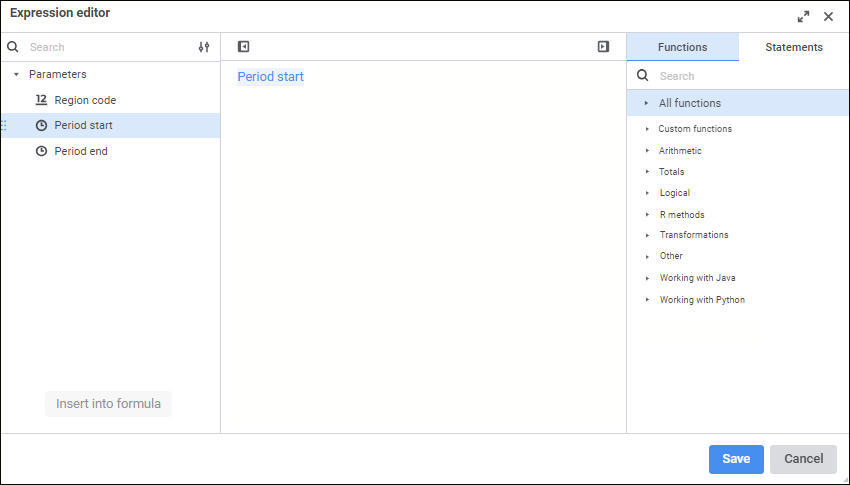
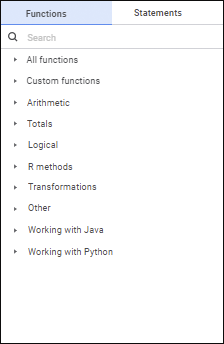
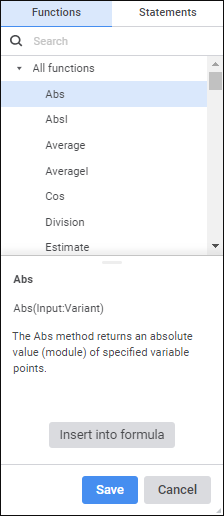
Create a formula, by which a dimension parameter value will be calculated.
Operands, arithmetic operations, functions, numbers, comparison characters and round brackets can be used in a formula. There are some features of use:
All element types, except for numbers, can be inserted both using the keyboard or special panels.
Numbers are inserted only using the keyboard.
See also:

 Insert operands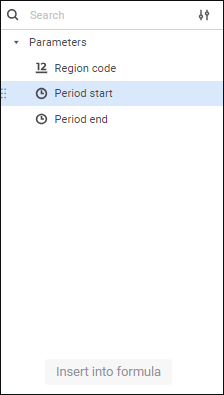
 Display Settings button:
 Hide Operands Panel button. To show the panel, click the
  Show Operands Panel button.