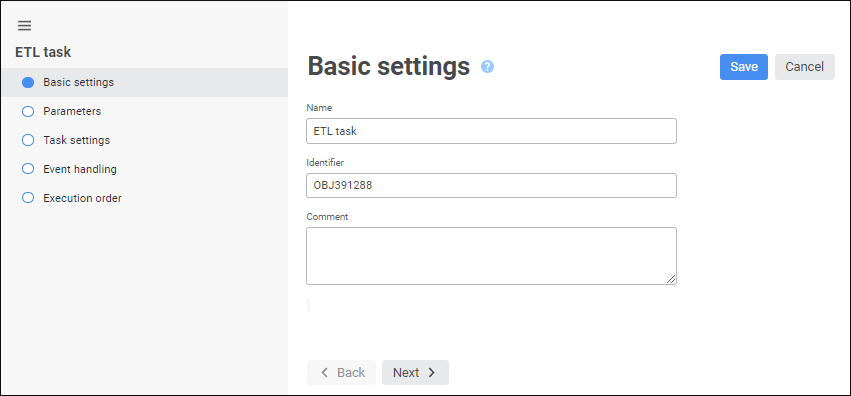
The Basic Properties page in the ETL task editing wizard is used to set task name, identifier and comment.
Set the following options:
Name. Enter ETL task name that will be displayed in the object navigator.
The ETL task can also be renamed in the edit mode. To do this:
Click on the ETL task name in the Basic Settings area. The name opens in the edit mode.
Make necessary changes.
Click outside the ETL task name.
Identifier. Enter ETL task identifier. An identifier is a sequence of Latin letters, numbers and underline characters. An identifier must start with a letter and be unique for the given repository.
NOTE. Enter comments and annotations for ETL task. The box is optional.
See also: