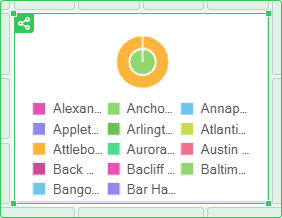
Select the object.
Select the  Publish item:
In the drop-down menu of the
 Actions button on the popup settings panel for visualizer.
On the popup settings panel for slide.
Determine publication settings.
To analyze and visualize data, publish visualizers and slides as single objects.
NOTE. Publishing objects is available only for the users with administrator permissions. Published objects are available in external sources without authorization for any internet users.
To publish an object:
Select the object.
Select the Publish item:
In the drop-down menu of the Actions button on the popup settings panel for visualizer.
On the popup settings panel for slide.
Determine publication settings.
NOTE. To provide correct work of published objects set up guest login. Guest users should have the Read and Open All Objects privilege.
To set or change publication settings, use the Publication Settings dialog box:
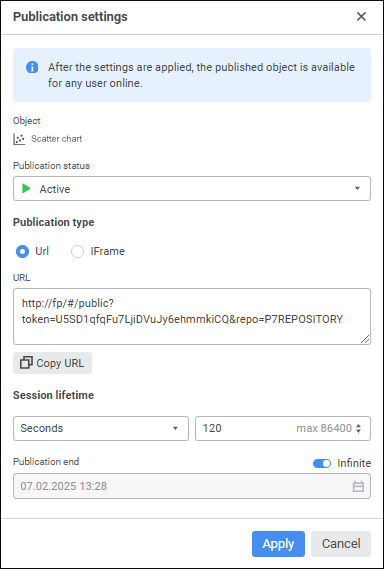
Determine publication settings:
To save object publication settings, click the Publish or Apply button.
To unpublish the object, change publication status to Unpublish. To save the settings, click the Unpublish button.
See also:
Building Information Panel | Adding Visualizers and Working with Them | Adding Slides and Working with Them

 Object
 .
. .
.