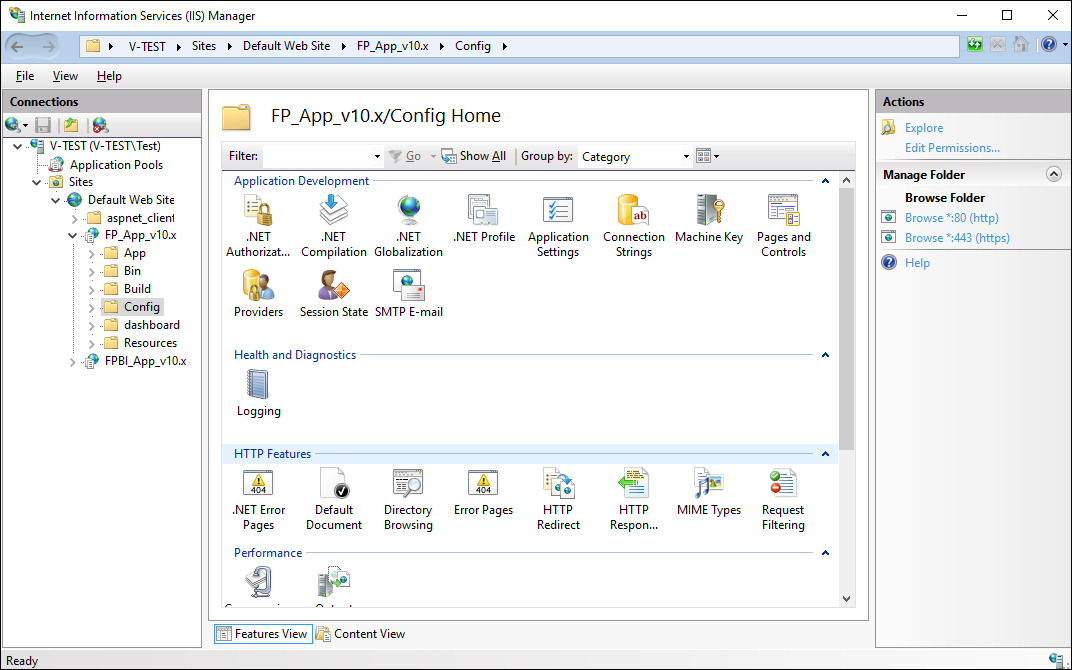
If when connecting IIS services the URL Authorization checkbox is selected in Windows OS features in the Security section, create an authorization rule the IIS manager to authorize users in the web application.
To create an authorization rule:
Double-click to expand the FP_App_v10.x virtual folder in the Connections tree and select the Config folder:
Open the  Authorization Rules feature in the IIS section by double-clicking on it or by selecting the Open Feature context menu item:
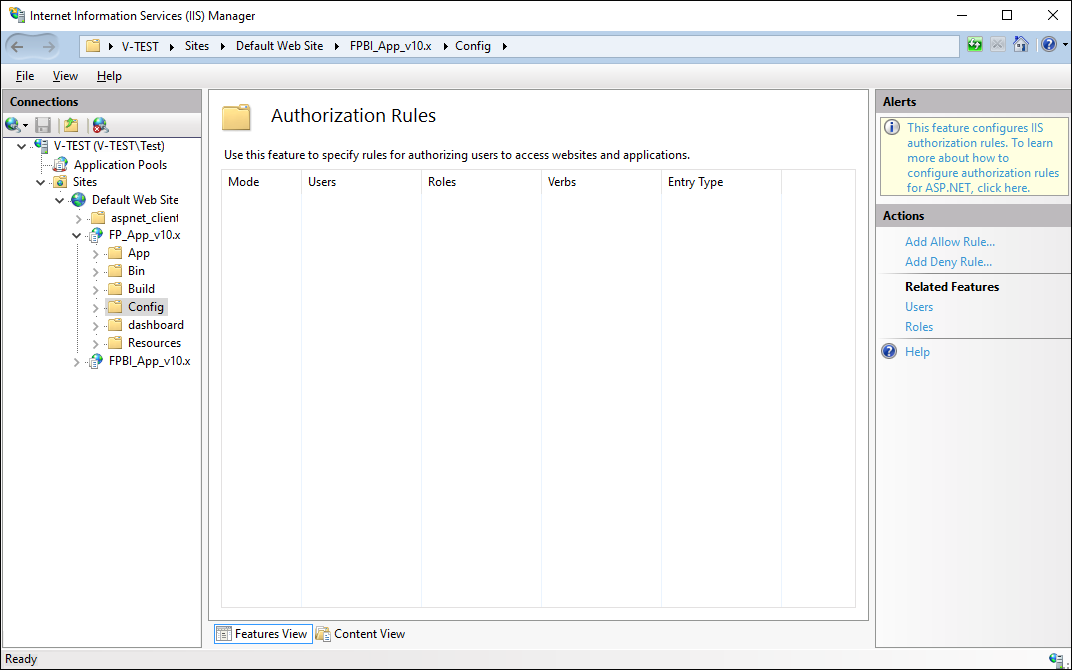
Select the Add Allow Rule item on the Actions panel.
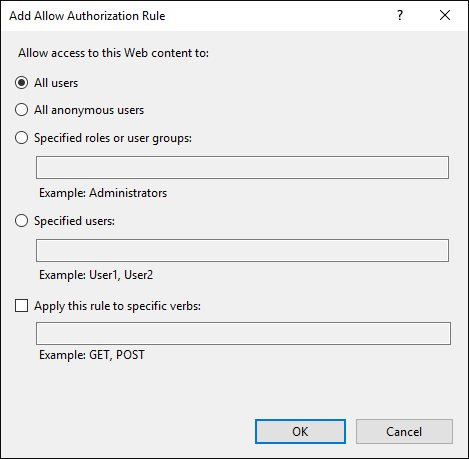
Select the All Users radio button in the Add Allow Authorization Rule dialog box and click the OK button:
Restart the web server using the Restart item on the Actions panel:
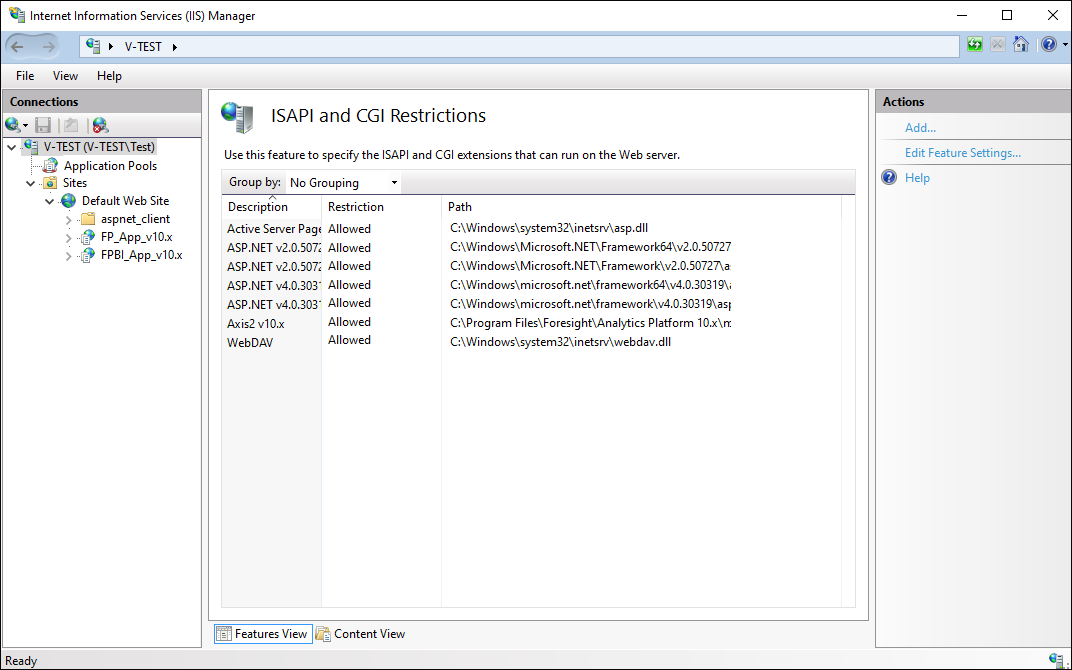
After executing the operations an allow rule is created to authorize users in the web application.
See also:
Advanced Web Application Settings