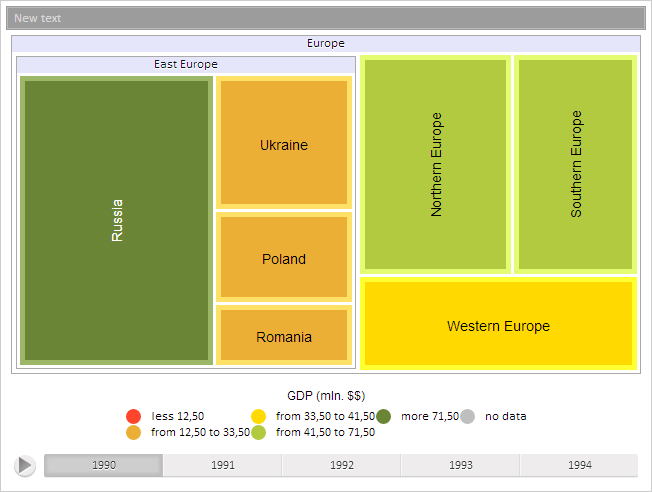
Model: PP.TreeModel
The Model property determines breadcrumb data model.
Use JSON or the setModel method to set the property value, and the getModel method to get the property value.
To execute this example, the page must contain the TreeMap component named treeMap (see Example of Creating the TreeMap Component). Get data model, set new text content for active breadcrumb item, set a new value of data model:
// Get breadcrumb chain for item levels
var breadcrumb = treeMap.getBreadcrumb();
// Get data model
var model = breadcrumb.getModel();
// Get active item
var ai = model.getActiveItem();
// Set new text content for the active item
ai.setCaption("New text");
// Set new active item
model.setActiveItem(ai);
// Set new data model
breadcrumb.setModel(model);
// Refresh the breadcrumb chain
breadcrumb.update();
As the result of the example execution text content of active breadcrumb item is changed:
See also: