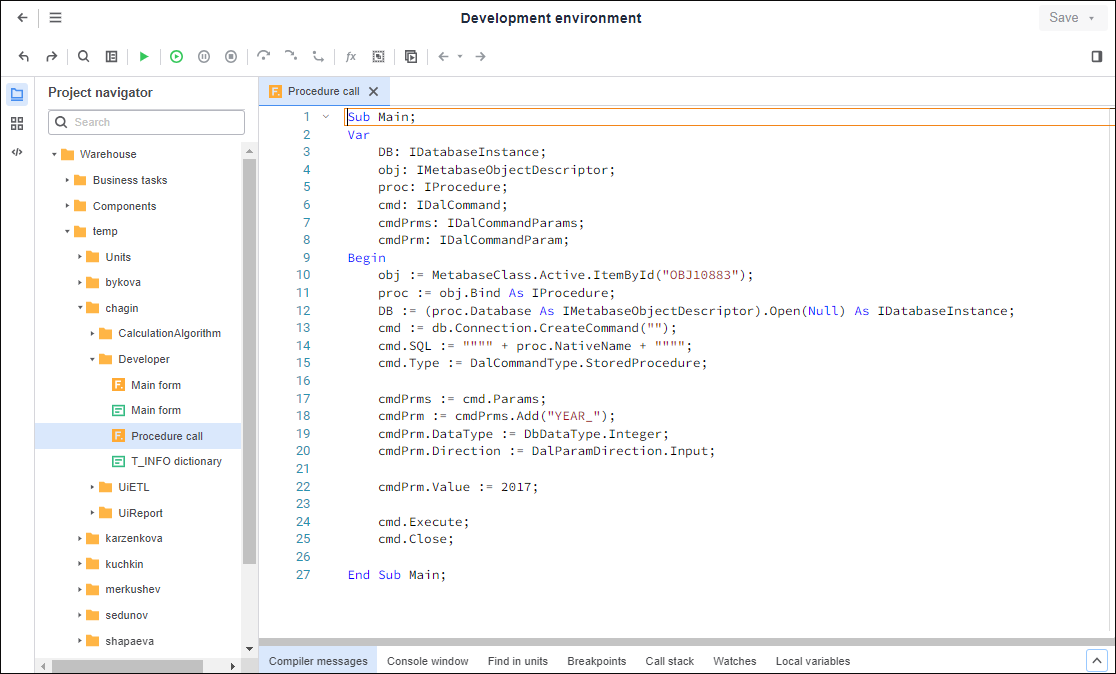
To design, create, run and debug custom applications, and to develop macros, use the Development Environment tool:
Key features:
Development using the Fore programming language.
Support of IntelliSense that facilitates code input.
Running and debugging the application being developed.
Set of visual components to create a visual interface using web forms.
To get started with the tool, see the Getting Started with the Development Environment Tool article.
To get to know Fore language syntax, see the Fore Language Guide article.
All classes, interfaces, enumerations and other code blocks in the Fore language are described in the Description of System Assemblies article.
To get description of standard problems encountered by application developers, see the knowledge base article.
 Access to development environment
See also:
Application Development and Functionality Enhancement
