Create a new report
To start working with the tool, create a new or open a ready report.
To build a report, see the Building Report article.
To work with a ready report, see the Working with Ready Report article.
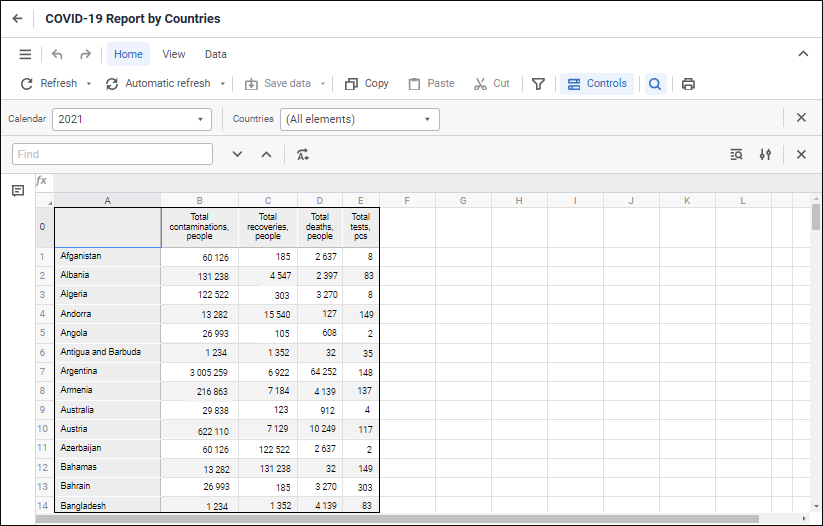
The user interface of the Regular Reports tool:
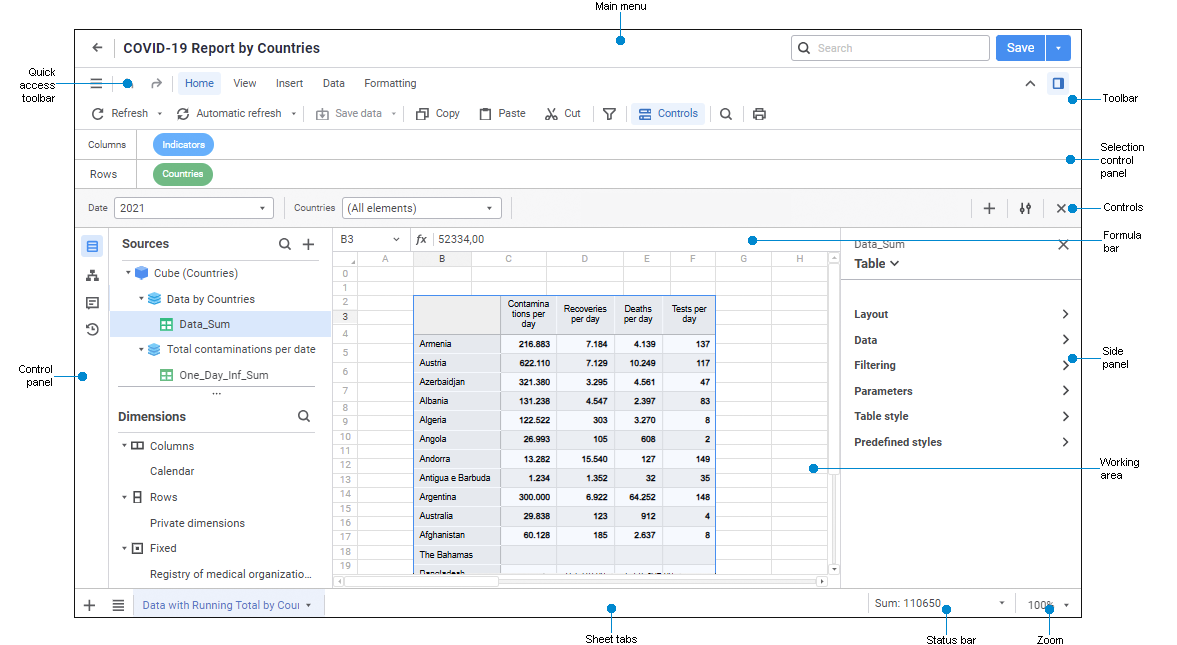
Regular report in the view mode
Report custom interface elements
General settings are available when working with regular reports. To determine the settings, use the Settings panel.
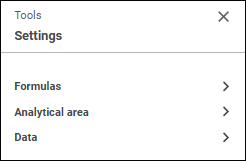
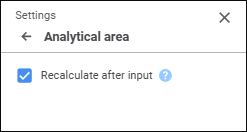
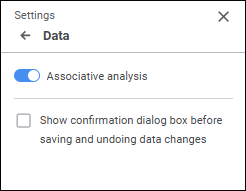
The panel contains groups of settings:
See also:
Creating Pixel-Perfect Reports | Building Report | Working with Ready Report
 Selection Control Panel button is clicked on the View toolbar tab. When the selection control panel is displayed, the search panel is hidden.
 Controls button is clicked on the Home toolbar tab.
 Find and Replace button is clicked on the Home toolbar tab. The