Batch print means printing multiple versions of the report based on selection in fixed dimensions.
NOTE. Batch print is available only in the desktop application.
For batch print of the report, select the Report > Print > Batch Print main menu item.
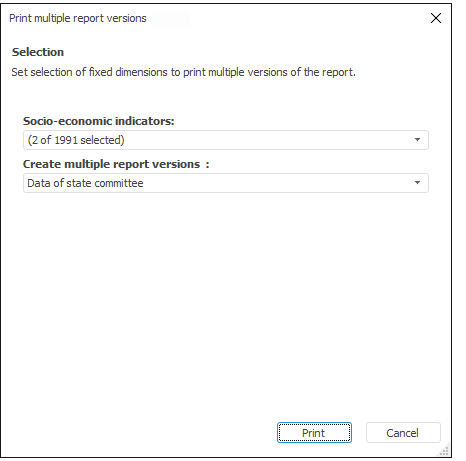
The Print Multiple Report Versions dialog box opens:
In the dialog box set selection in fixed dimensions to be used to print the report, and click the Print button. The Print dialog box opens where the user can set print options and select the printer to use.
See also:
Report Preview and Print | Report Batch Export