To execute the example, the HTML page must contain the WorkbookBox component named workbookBox (see Example of Creating the WorkbookBox Component). Create the ExplainValidationErrorDialog component and show it in the workbook:
// Create a dialog for explaining validation error
var explainValidationErrorDialog = new PP.TS.Ui.ExplainValidationErrorDialog({
    // Specify the resource key for displaying dialog title
    ResourceKey: "TSRibbonExplainValidationErrorDialog",
    // Specify the text that explains error text
    State: "Calculation error"
});
// Display this dialog
explainValidationErrorDialog.show();
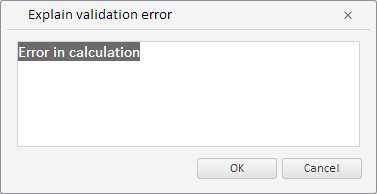
After executing the example the ExplainValidationErrorDialog component is created and shown:
See also: