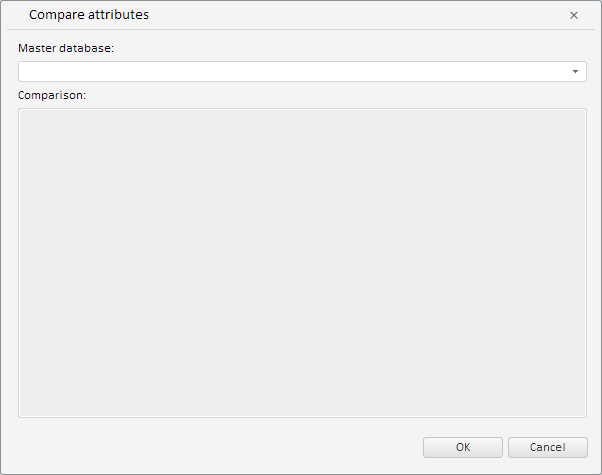
To execute the example, the HTML page must contain the WorkbookBox component named workbookBox (see Example of Creating the WorkbookBox Component). Create the CrossDatabaseMappingsDialog component and show it in the workbook:
// Get workbook model
var workbook = workbookBox.getSource();
// Create a dialog for mapping attributes
var crossDatabaseMappingsDialog = new PP.TS.Ui.CrossDatabaseMappingsDialog({
    Source: workbook // Set data source
});
// Display this dialog
crossDatabaseMappingsDialog.show();
After executing the example the CrossDatabaseMappingsDialog component was created and displayed:
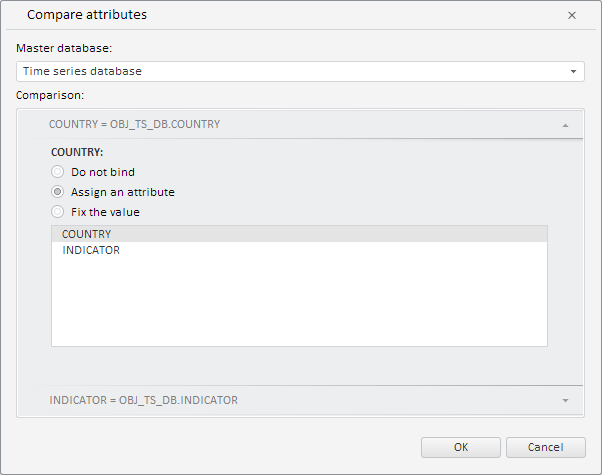
Now set the current workbook database as the master time series database:
// Get moniker of active time series database
var odIdArr = workbook.getRub().id.id.split("!");
// Get key from moniker
var key = odIdArr[odIdArr.length - 1];
// Set the database with the obtained key as a master one
var state = {
    comparatorRubKey: key
};
// Determine new settings for the dialog
crossDatabaseMappingsDialog.setCurrentState(state);
After executing the example the current time series database is set in the dialog box as the master database:
See also: