PP.TS.Ui.AddNonLinearRegressionDlg (settings);
settings. JSON object that contains values of component properties.
The AddNonLinearRegressionDlg constructor creates an instance of the AddNonLinearRegressionDlg class.
To execute the example, the page must contain the WorkbookBox component named workbookBox (see Example of Creating the WorkbookBox Component), and also add the following code in the handler, that processes document opening event:
var setSourceButt = new PP.Ui.Button({
	ParentNode: document.body, //DOM parent node DOM
	Content: "Add Non Linear Regression Dlg", //Text
	Click: PP.Delegate(onClickSetSource)
});
//Select a series
var series = wbk.getSeries();
var selectedSeries = [series[0], series[1]];
function onClickSetSource()
	{
		//Create an instance of the AddNonLinearRegressionDlg class
		var dlg = new PP.TS.Ui.AddNonLinearRegressionDlg({
			Source: wbk,
			Data: PP.TS.Ui.FormulaTypeEnum.NonLinearRegression,
			Mode: PP.TS.NonLinearRegressionDlgMode.Add,
			Series: selectedSeries,
			IsRTL: False
		});
		//Display a dialog of adding non-linear regression
		dlg.show();
	}
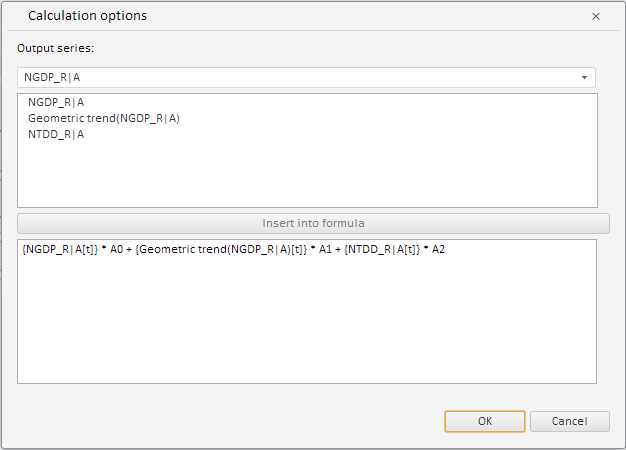
After executing the example the HTML page will contain the WorkbookBox component and a button named AddNonLinearRegressionDlg, clicking which opens a dialog box for adding a non-linear regression:
See also: