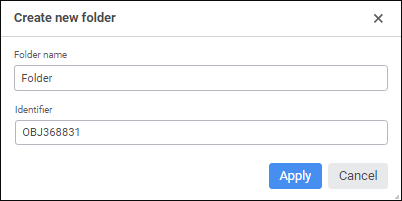
In the object navigator click the  Create button in the main menu and select the object type on the New Object side panel.
In the development environment:
Select the File > Create > Folder main menu item.
Select the Create > Folder item in the object navigator's context menu.
Select the Create > Folder item in the assembly's context menu in the project navigator.