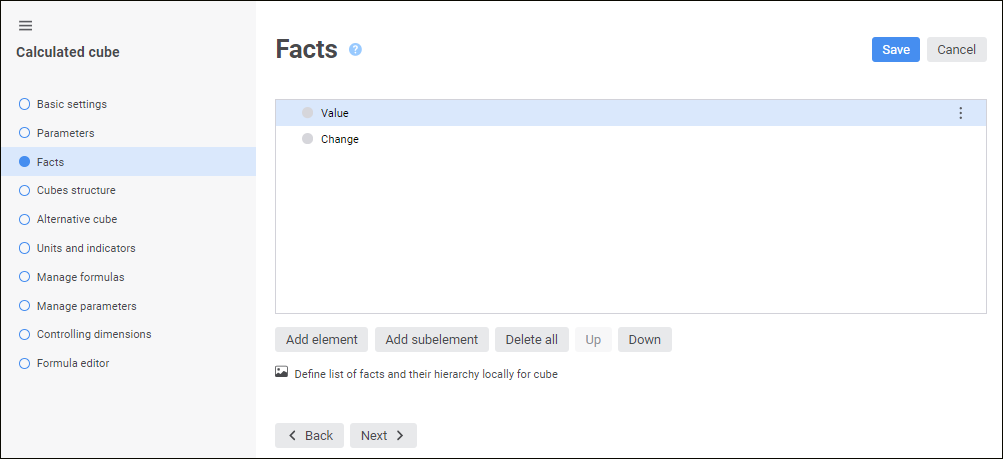
The Cube Facts page is used to specify the cube facts list and hierarchy. A fact dimension can be set either locally or as a source cube fact dimension.
Select the Define List of Facts and their Hierarchy Locally for Cube checkbox.
Add elements using the Add Element/ Add Subelement buttons.
If the Define List of Facts and their Hierarchy Locally for Cube checkbox is deselected, fact dimension of the source cube is used as a fact dimension.
NOTE. To select several facts in the list, hold down the CTRL key and select the required facts. To select a range of facts, select the first fact of the required range, hold down the SHIFT key and select the last fact of the range.
To move one or several selected facts one position up or down, click the Move Up and Move Down button.
NOTE. To select several facts in the list, hold down the CTRL key and select the required facts. To select a range of facts, select the first fact of the required range, hold down the SHIFT key and select the last fact of the range.

 Use local fact dimension
 Add Element/
 Delete All button.
 Move Up and
  Move Down button.