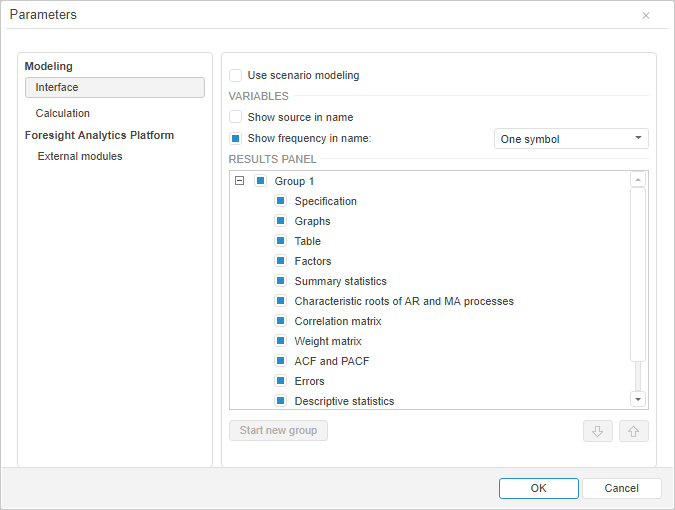
To set up parameters of the Modeling and Forecasting tool, use the Parameters dialog box.
To open the Parameters dialog box, select the Tools > Parameters main menu item. The item is available if a model is opened in the working area.
The following groups of settings are available:
 Modeling and forecasting settings
NOTE. The settings are displayed if integration with R is set up.
See also:
