Open the transformer's settings panel.
Click the  Settings button.
On the transformer's settings panel go to the DBMS Command tab.
DBMS Command is an object that converts data using one of the following repository objects: DBMS Commandor Procedure.
To determine a procedure to be executed:
Open the transformer's settings panel.
Click the Settings button.
On the transformer's settings panel go to the DBMS Command tab.
After executing the operations the DBMS Command tab is displayed:
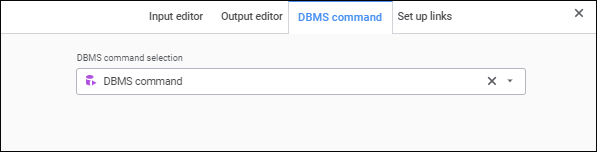
In the drop-down list select the DBMS command or procedure available in the repository.
If the DBMS command does not contain examples, the list of inputs and outputs is created based on outputs of the data provider, to which the current object is connected. Physical data is not passed to executed DBMS command. It is passed exactly from the input to the output. Inputs or outputs are set to include the DBMS Command object to an execution chain.
If the DBMS command contains parameters, they will be used as inputs and outputs of the current object. Provider data will be sent via parameter values and will be used during DBMS command/procedure execution and then will be sent via output further in the execution chain.
See also: