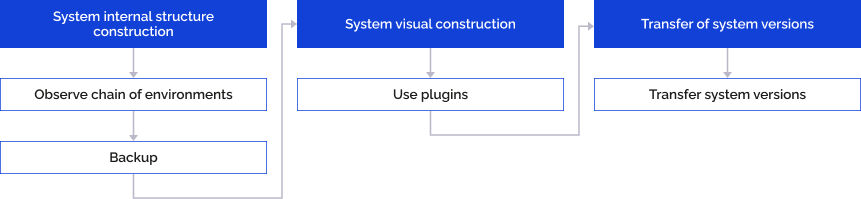
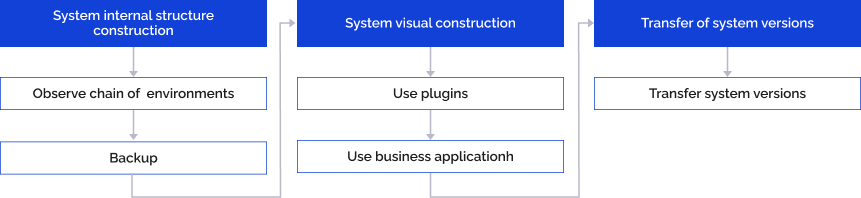
System design depends on installed extensions.
The following steps are common for internal structure design: prototypes order and backup.
On using extensions, the step of component use is added.
On developing it is highly recommended to maintain defined environment order. New functionality must be developed only in development environment (DEV). Functionality must be transferred to production environment (PROD) only after successive testing on test environment (TEST).
It is recommended to backup metadata repository base every day.
On visual step designing the common step is the plugins use.
On using extensions, the step of business application use is added.
To enhance data visualization options in dashboards, regular reports, data entry forms in the web application, use external visualizers that are recommended to connect as plugins.
For details about using plugins, see the Plugins section.
If it is required to develop web application for end users, it is recommended to use business application object.
For details about business application building, see the Visual Designing of Business Applications article.
When there are no extensions, synchronize objects repositories and update them using the Update Manager tool. For details about working with update manager, see the Transferring Objects between Repositories and Their Update article.
See also: