 About item on the side panel of the object navigator.
To get information about the program, select the About item on the side panel of the object navigator.
After executing the operation the About window opens.
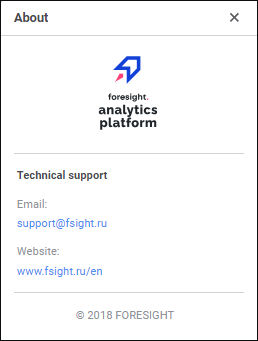
The window contains:
Service version. The version is not displayed by default. To display service version, set the GetSystemInfoExtended parameter to 1 in the settings.xml file or in the registry key [HKLM\SOFTWARE\Foresight\Foresight Analytics Platform\10.0\PP\BIS\System].
Web application version. The version is not displayed by default. To display web application version, set the showVersion field to true in the config.json.
Contact information of FORESIGHT technical support service.
Stable release of Foresight Analytics Platform with long-term support ( LTS) is delivered once a year. This release type is indicated in the version of the service, web application, and desktop application. Releases with short-term support ( STS) are delivered twice a year. This release type is not indicated in interface. Release support times since release: LTS - 2 years and 4 months, STS - 4 months.
LTS release is highly stable and is intended for mission-critical systems and projects at the production stage. STS releases are intermediate releases that include new functionality and are recommended for projects that require quick product updates. New functionality implemented within STS releases is included in the next LTS release.
Information display parameters in the About window can be changed using the AboutBox DHTML component.
See also: