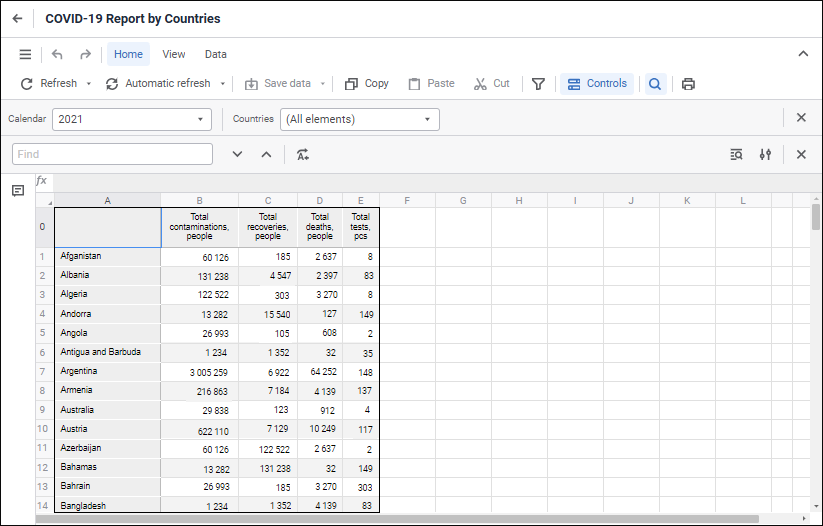
To create a pixel-perfect report, use the Reports tool:
The Reports tool is used to create pixel-perfect reports with complex formatting.
Key features:
Building reports.
Editing data and saving changes to the source.
Data visualization on report sheet.
Setting up report for printing.
Using interactive controls.
Supporting relational (as flat tables) and multidimensional (as crosstabs) data views.
Setting up data drilldown and drillup, moving from one view to any other, converting multidimensional into relational data.
To work with the Reports tool, you will need:
The PP_ReportEditor feature for building and editing regular reports.
The PP_ReportViewer feature for interactive viewing of ready regular reports.
Data sources. All cube types, time series databases, modeling variables, data sets, express reports are available as a data source. If a required data source is missing in the repository, it can be added by using data import wizard.
To get started with the tool, see the Getting Started with the Reports Tool article.
To build regular report, see the Building Report article.
To work with ready regular reports, see the Working with Ready Report article.
If you still have questions, see the Questions and Answers article.
See also:
Getting Started with the Reports Tool | Questions and Answers