
 Create a new control block
A control block is used to check entered data in the Interactive Data Entry Forms extension. The feature is available if the calculation algorithm with a control block was selected when building a data entry form.
Creating and editing are executed in the control block editing wizard, in which block parameters can be set up:
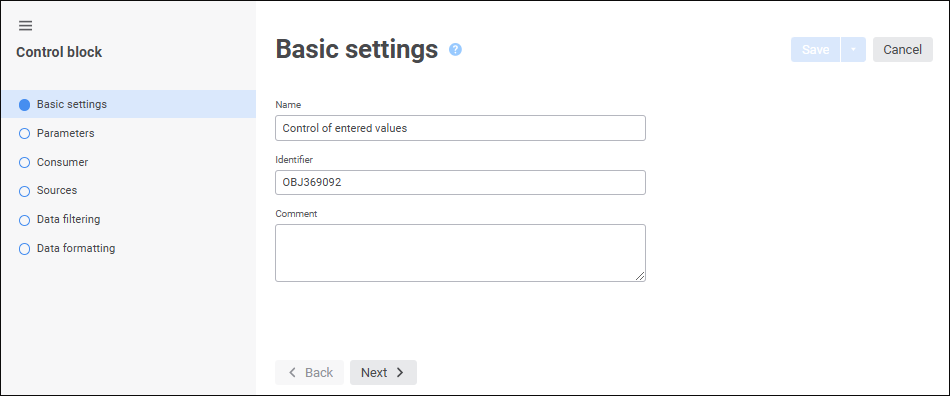
A control block can be set up similarly to calculation block setup and include the following steps:
Set up formatting of data that did not pass control. The step is preset only in the control block.
Set up calculation formulas. All specified formulas must be aimed at checking values and return logical type result. For example, the formula that checks if value is set for indicator or the specified value is in the interval from 0 to 100.
To save settings:
Click the Save button.
Select the Save and Close item in the drop-down menu of the Save button. After the command is executed, the specified settings are saved, and the control block editing wizard closes.
NOTE. The Save and Close item is available only on opening control block for edit.
See also:
Building Calculation Algorithm
 Create button in the main menu and select the object type on the
  Control Block item in the drop-down menu of the
  Add Block button on the