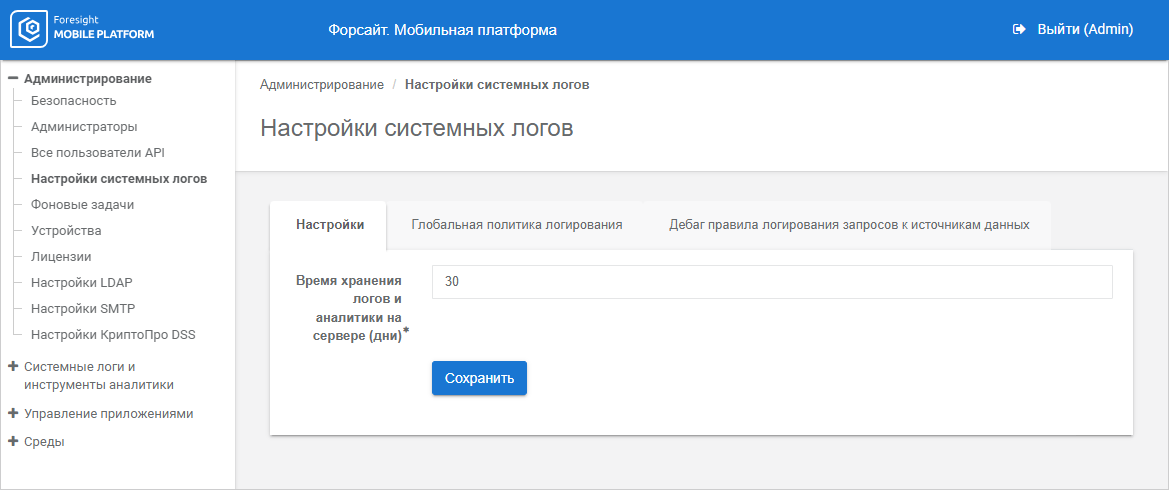
To set up log storage parameters on mobile platform server, use the Settings tab in the System Logs Settings subsection:
Set up the number of log storage days and statistical data about framework method work in the logging system on mobile platform server in the Storage Time for Logs and Analytics on Server (days) parameter. Logs are stored 30 days by default. When the set time expires, logs are deleted from server to improve performance.
To view system logs, use the System Logs subsection in the System Logs and Analytics Tools section.
If required, set up device logging policy parameters and add data source request logging rules.
See also:
Viewing and Setting Up System Logs | Setting Up Device Logging Policy Parameters | Logging Data Source Requests