Steps to work with ready update depend on the purpose of use:
Working with ready update in update manager.
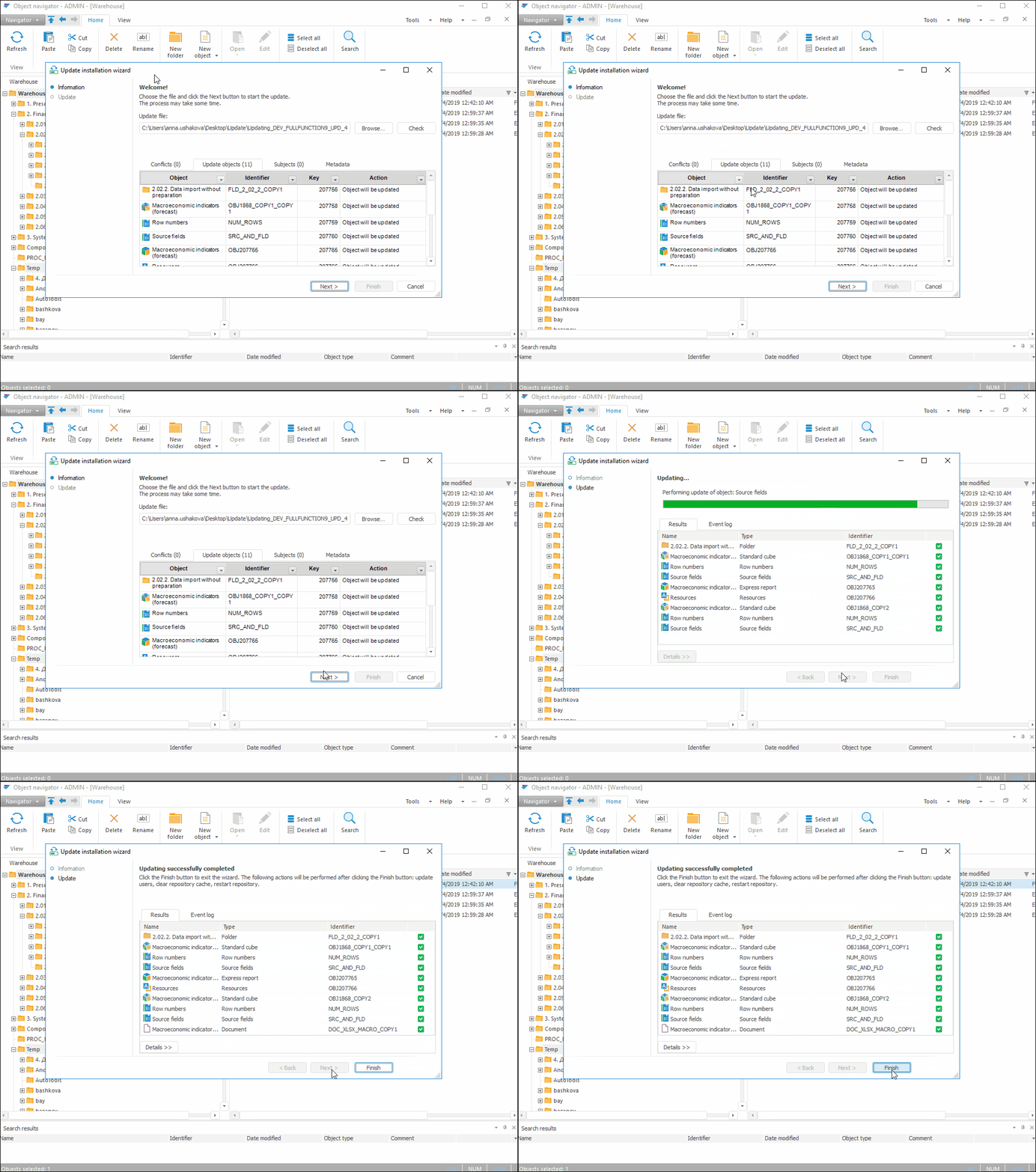
Installing update from the object navigator or security manager.
NOTE. When a ready update is opened, the object display on the Update panel for user will depend on the update process on using administrator role separation and various access control methods.
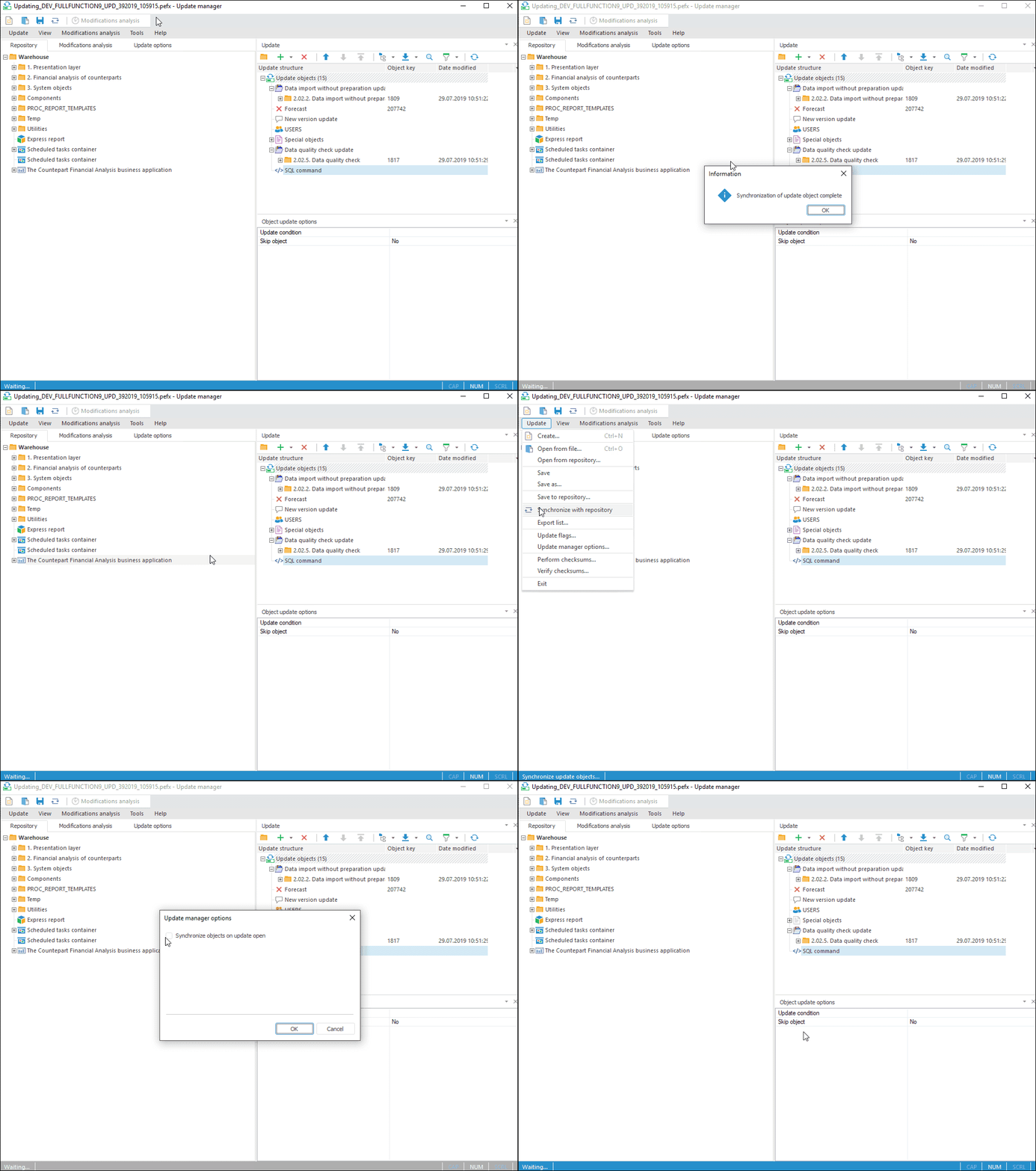
There are some features on opening ready update.
Install synchronization with repository if required.
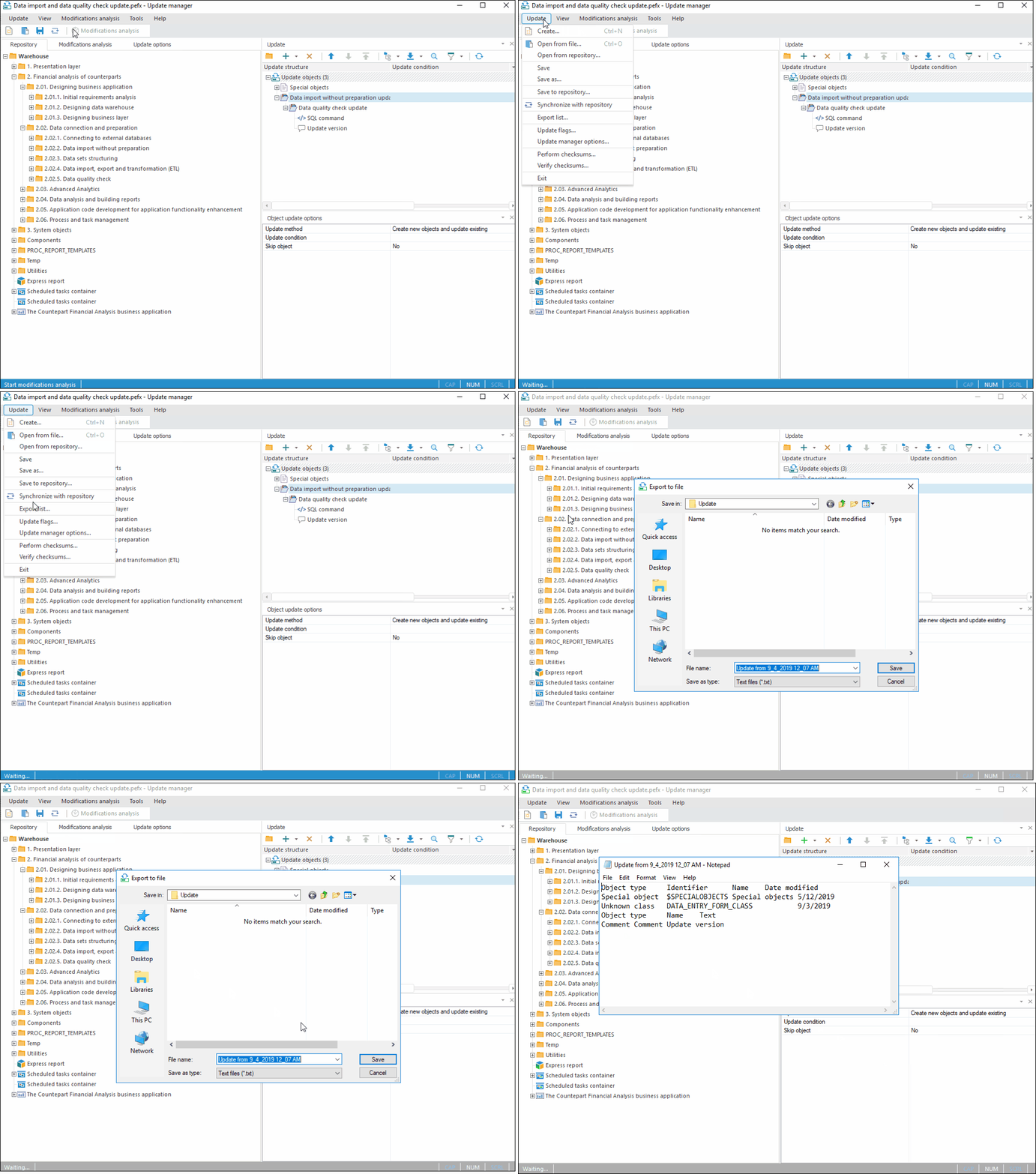
Export an update list to the text file if required.
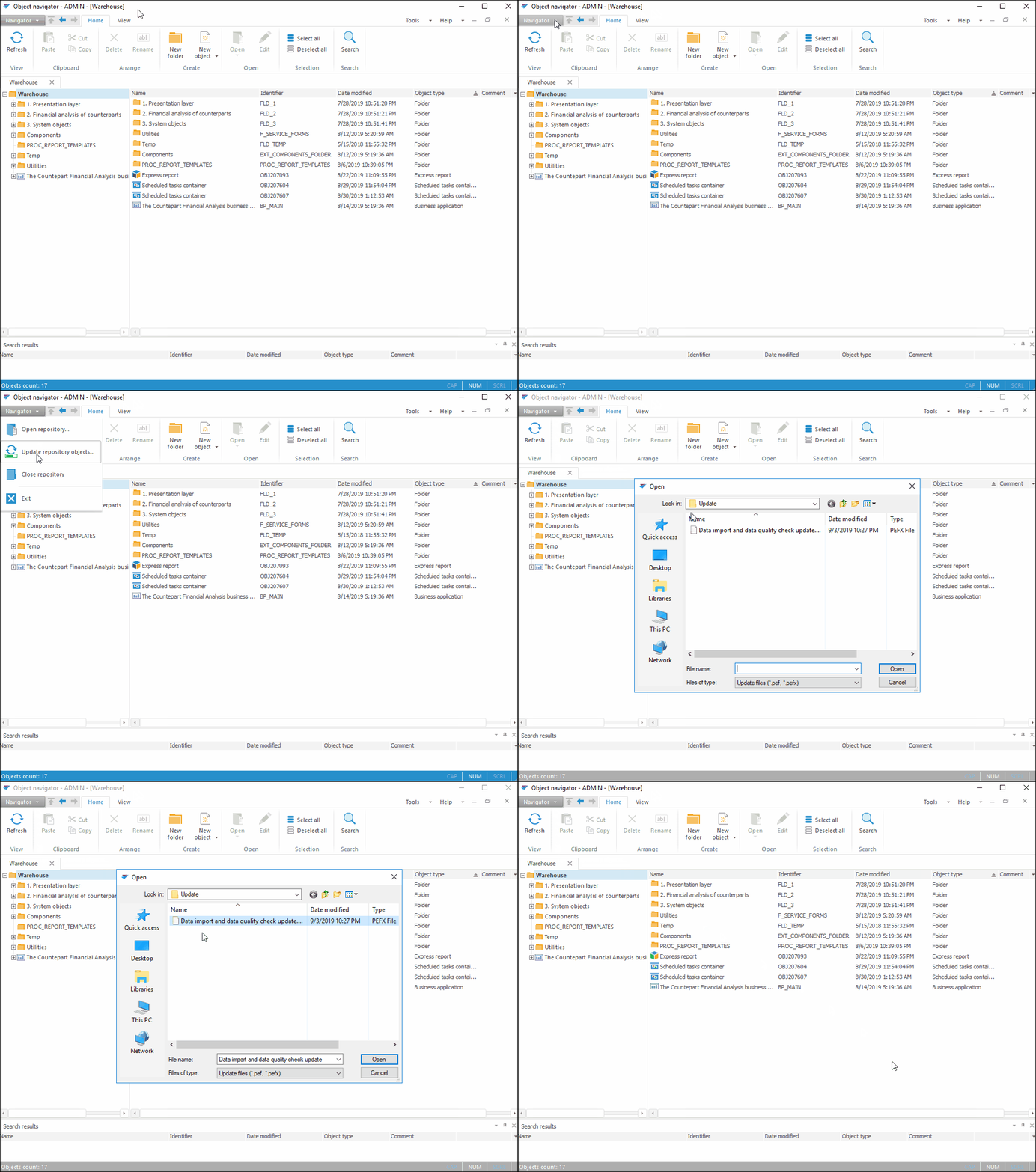
In the object navigator open a ready update file for installation.
See also:
Getting Started with Update Manager | Creating an Update | Questions and Answers