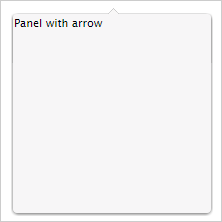
To execute the example, the HTML page must contain links to the PP.js script file and the PP.css styles file. In the onload event of the <body> tag it is necessary to add the call of the createArrowDropPanel() function. Create and show drop-down panel with arrow and random contents:
function createArrowDropPanel() {
    arrowDropPanel = new PP.Ui.ArrowDropPanel({
        // Set panel sizes
        Width: 200,
        Height: 200,
        MaxDropDownHeight: 500,
        MaxDropDownWidth: 500,
        MinDropDownHeight: 100,
        MinDropDownWidth: 100,
        // Set panel contents
        Content: "Panel with arrow",
        // Set arrow position towards the panel
        ArrowPosition: PP.Ui.DropPanelArrowPosition.TopBottom
    });
    // Show panel towards the point
    arrowDropPanel.showNextControl(new PP.Point(220, 105));
    // Delete information about arrow position on the panel.
    arrowDropPanel.correctPosition();
}
As a result, drop-down panel with arrow and contents will be displayed in the document:
See also: