
Advanced features are available on working with resources.
To change toolbar view, use the checkboxes in the View > Toolbars main menu:
Standard. By default. When the checkbox is selected, the standard toolbar is displayed:
Search Results. When the checkbox is selected, the panel containing resource search results is displayed:
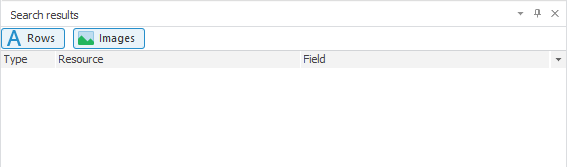
After executing the action, the toolbar view will be changed.
To set up toolbar contents:
Select the View > Toolbar > Setup main menu item.
Select the Tools > Setup main menu item.
After executing one of the actions, theSetup dialog box opens to set up commands, toolbars, keyboard.
To get information about the program, select the Help > About main menu item. The About dialog box opens where various information is displayed.
To open the Foresight Analytics Platform help system, select the Help > Contents main menu item. The help system opens, specified in platform settings.
See also: