In the desktop application select the Help > About item in the main menu of the object navigator.
In the web application select the About item in the drop-down menu of the  button located the upper right corner.
To get information about the program:
In the desktop application select the Help > About item in the main menu of the object navigator.
In the web application select the About item in the drop-down menu of the button located the upper right corner.
After executing the operation the About window opens:
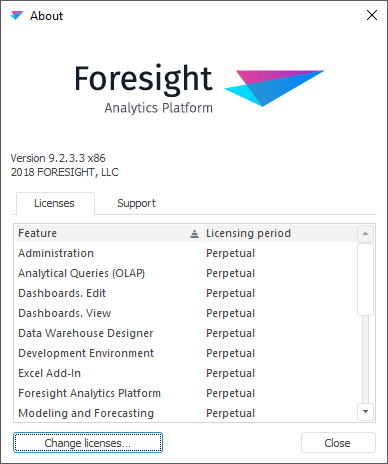
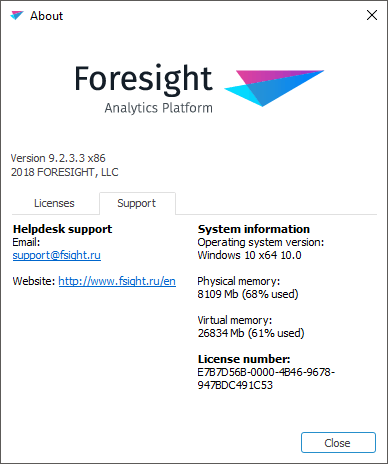
The window displays:
Desktop application version.
On the Licenses tab:
Available user licenses and their status. To change licenses, click the Change Licenses button. After this the license manager opens.
On the Support tab:
FORESIGHT technical support contact information.
System information.
The unique license number that is generated for each issued license if required. The license number can be requested by technical support on user request.
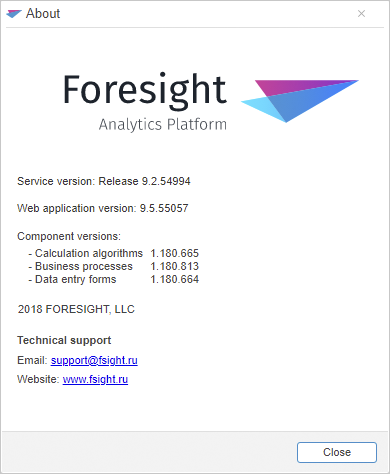
The window displays:
Service version.
Web application version.
Versions of installed extensions and components:
Contact information of FORESIGHT technical support service.
Information display parameters in the dialog box can be changed by using Tuner.exe or the AboutBox DHTML component.
See also: