The setup is available only in the desktop application.
To disable default image in the login dialog box, create the Visible flag of DWORD type that has value 0 in the following registry key:
HKEY_CURRENT_USER\SOFTWARE\Foresight\Foresight Analytics Platform\9.0\Splash.
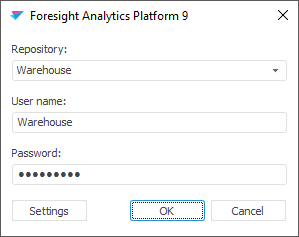
The login dialog box changes to:
The standard image in the login dialog box can also be disabled by using the setting up repositories and autoupdate from file.
See also:
Setting Up Login Dialog Box Interface in the Desktop Application