To change browser tab name when working in the web application:
In the PP.xml file in the customSettings section specify a new name in the titleRu attribute for the Russian version of the page and/or in the titleEn attribute for the English version of the page. Save changes to PP.xml file.
Add a new icon image to the folder S\build\img\app, where S - the path to the folder with installed web application back end. An *.ico file should be used for icon.
In the PP.xml file in the customSettings section specify the new icon image in the favicon attribute. Save changes in the PP.xml file.
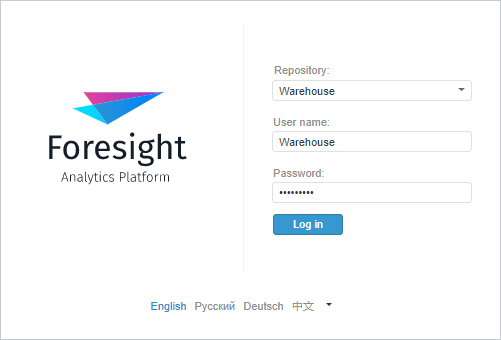
To change application logo in the login dialog box and on the About page:
Add new logo images for the Russian and/or English application version to the folder S\build\img\app, where S - the path to the folder with installed web application back end. An *.svg file should be used for logo. The recommended image resolution for correct logo displaying on a page is 723x505 pixels.
In the PP.xml file in the customSettings section specify the new logo image for the login dialog box in the logoRu attribute for the Russian application version and/or in the logoEn attribute for the English application version. To set up logo on the About page, specify the new logo image in the aboutRu attribute for the Russian application version and/or in the aboutEn attribute for the English application version. Save changes in the PP.xml file.

 Change browser tab name