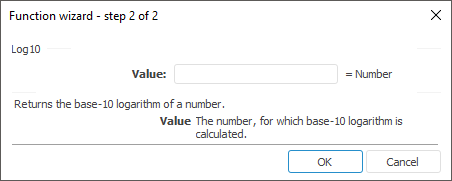
The function wizard for the Log10 function looks as follows:
Log10(Value)
Value. The positive real number for which you want the base-10 logarithm.
NOTE. To determine the parameter, specify either the number or the address of the cell where it is located.
It returns the base-10 logarithm of the specified number.
| Formula | Result | Description |
| =Log10(14.1) | 1,1492 | The common logarithm of the number 14.1. |
| =Log10(B6) | 1 | The common logarithm of the number from the B6 cell. The B6 cell contains the number 10. |
See also:
Function Wizard │ Mathematical │ Exp │ Ln │ Log │ IMath.Log10